Test results · October 31, 2026
How we tested PhotoGIMP
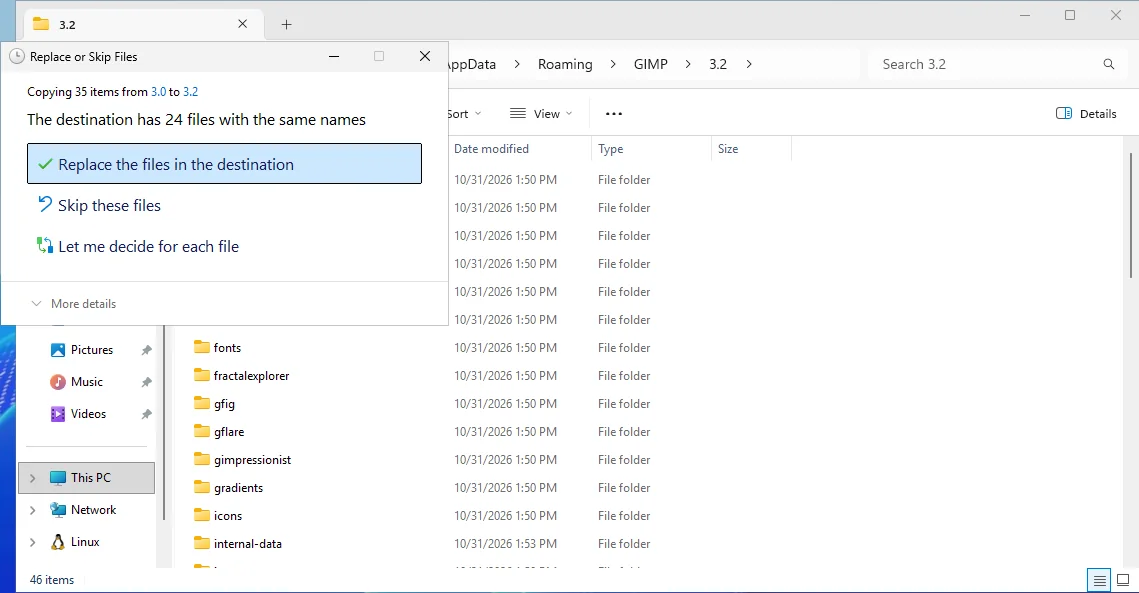
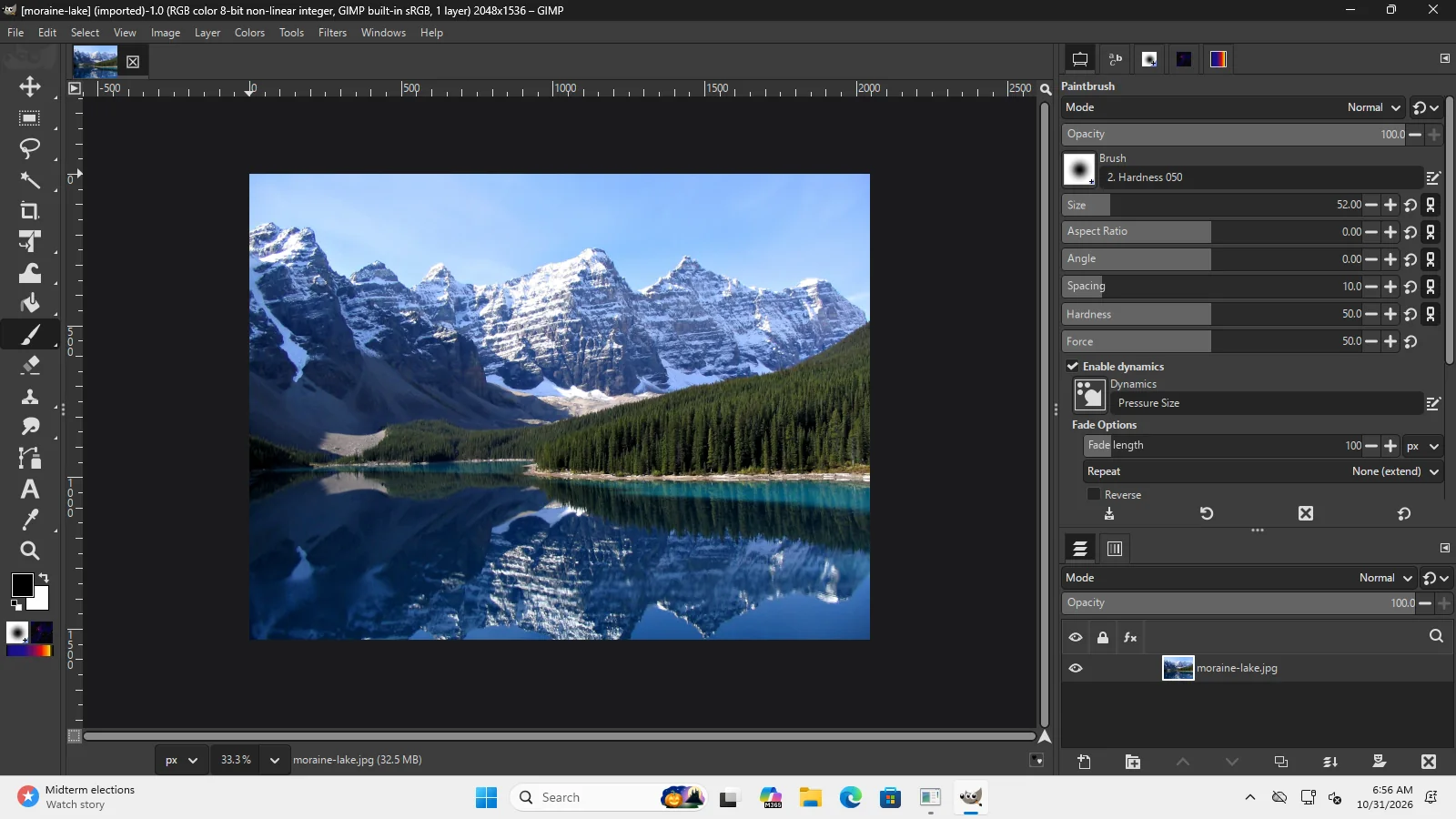
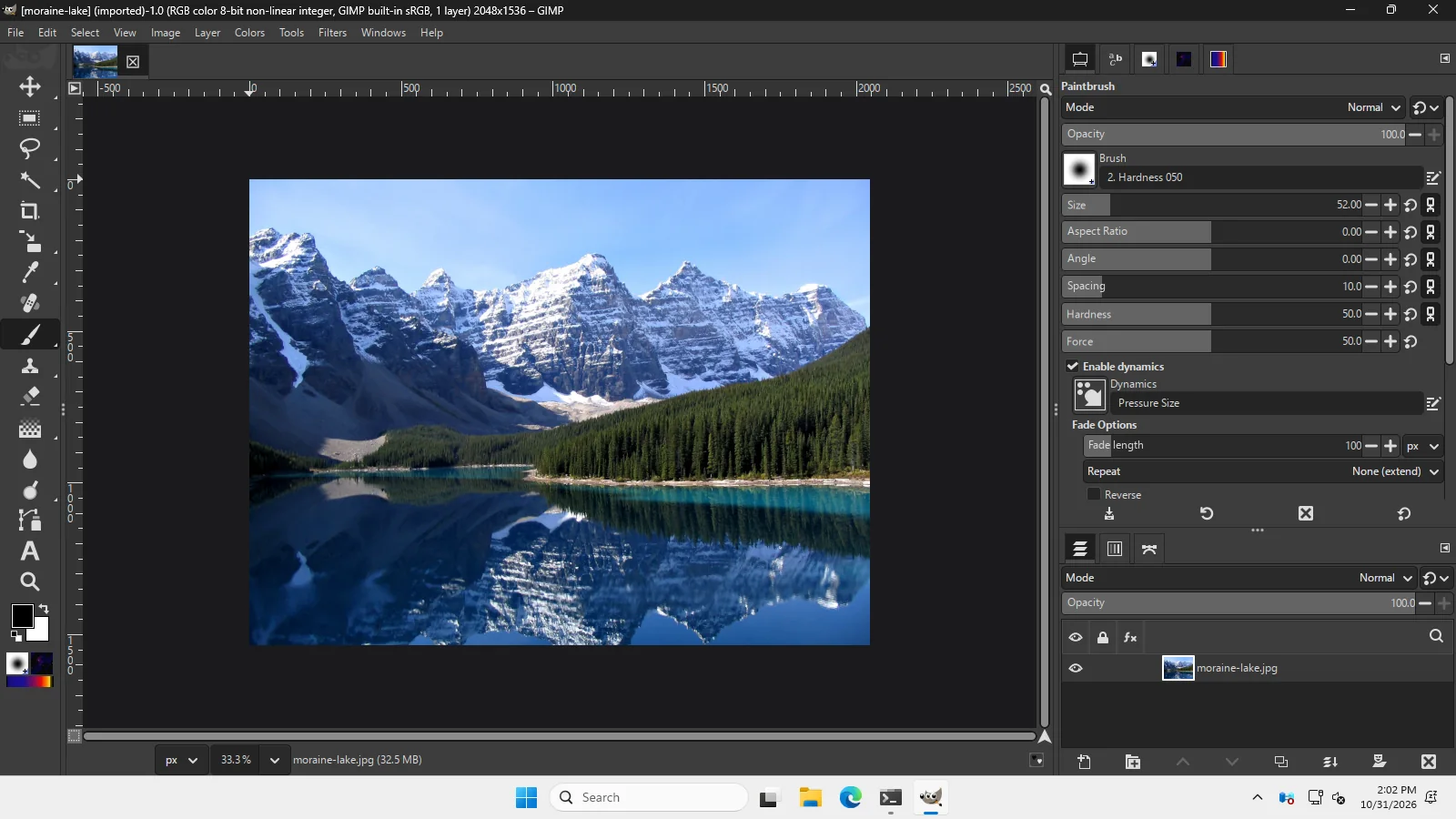
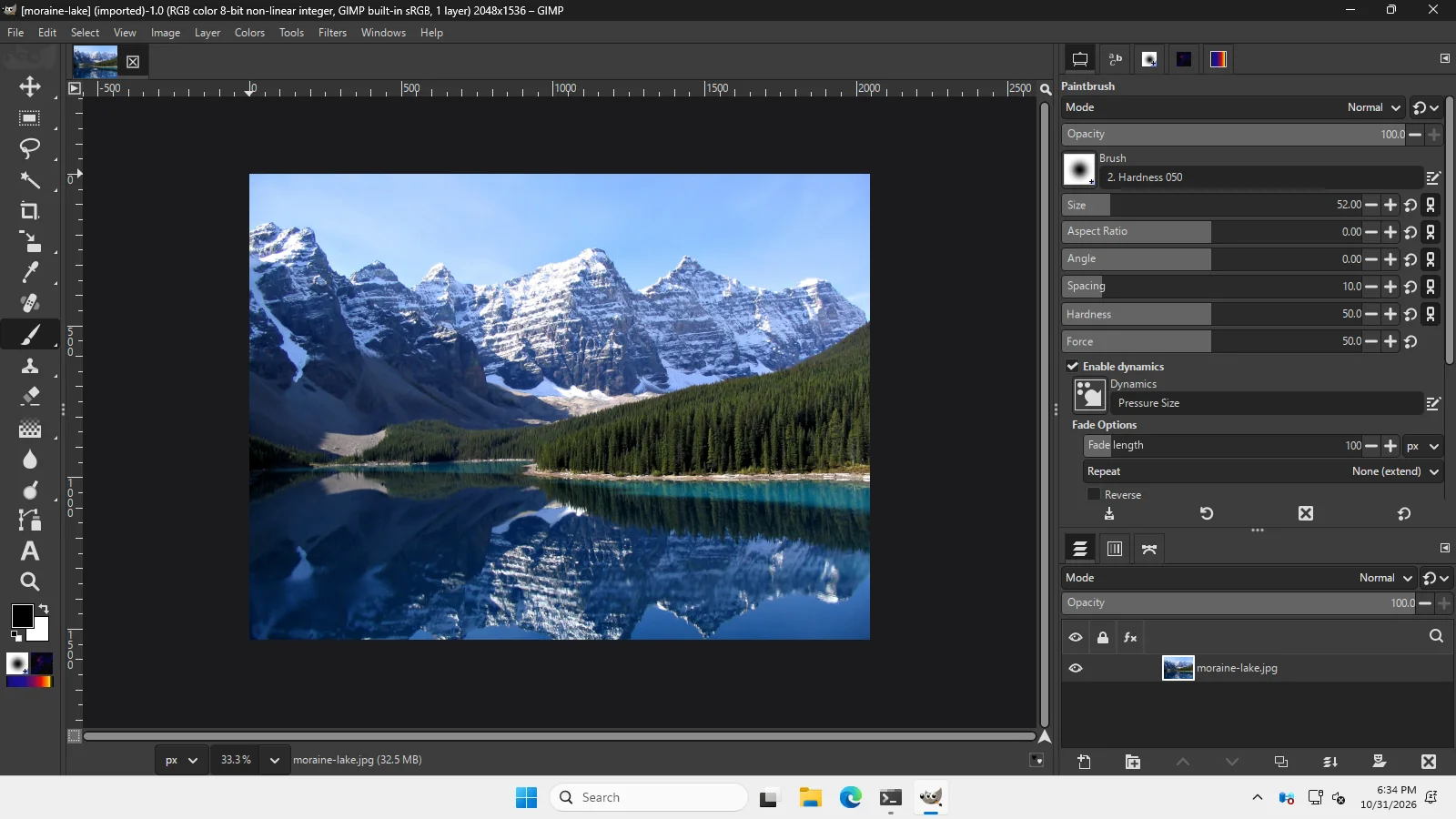
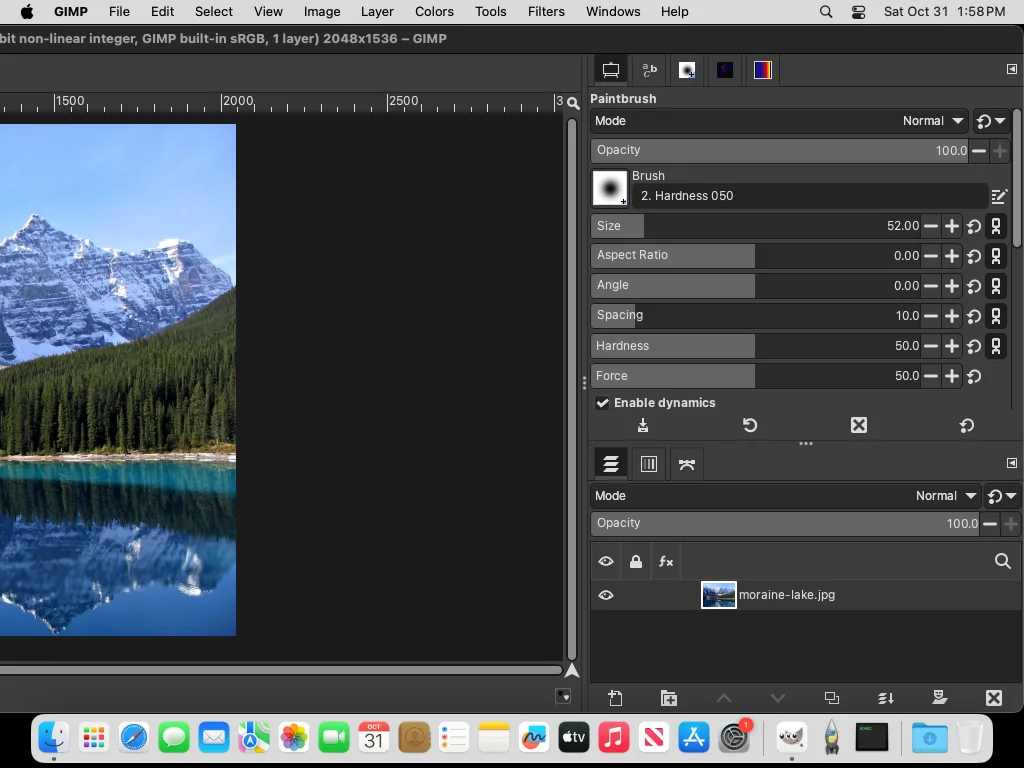
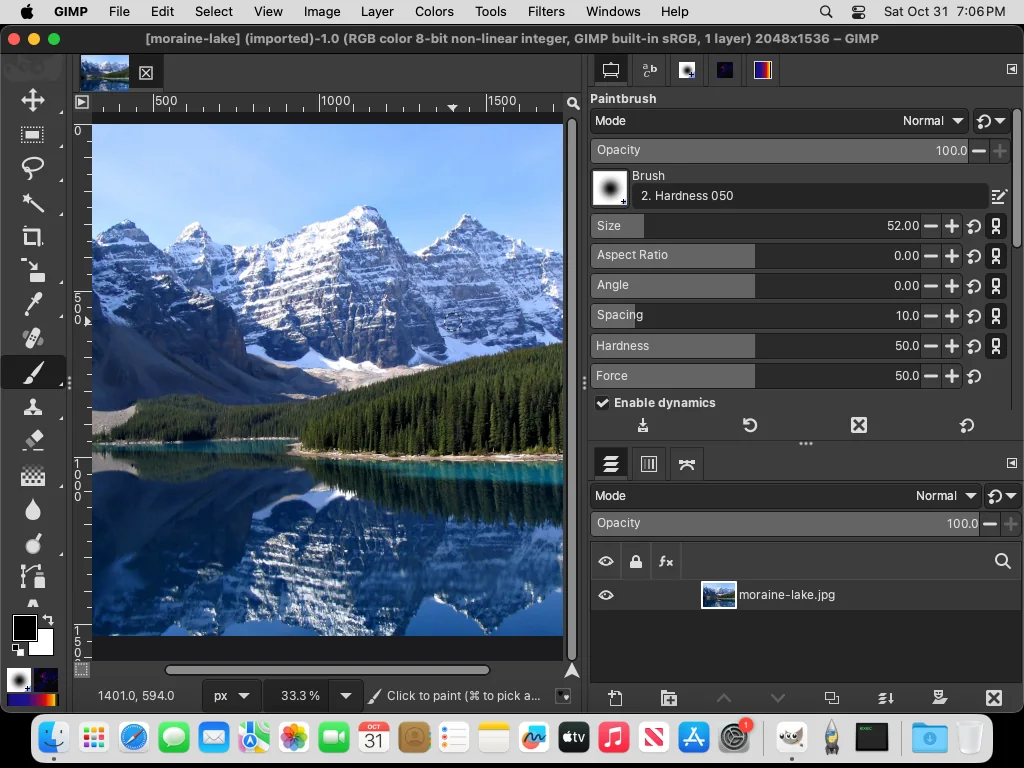
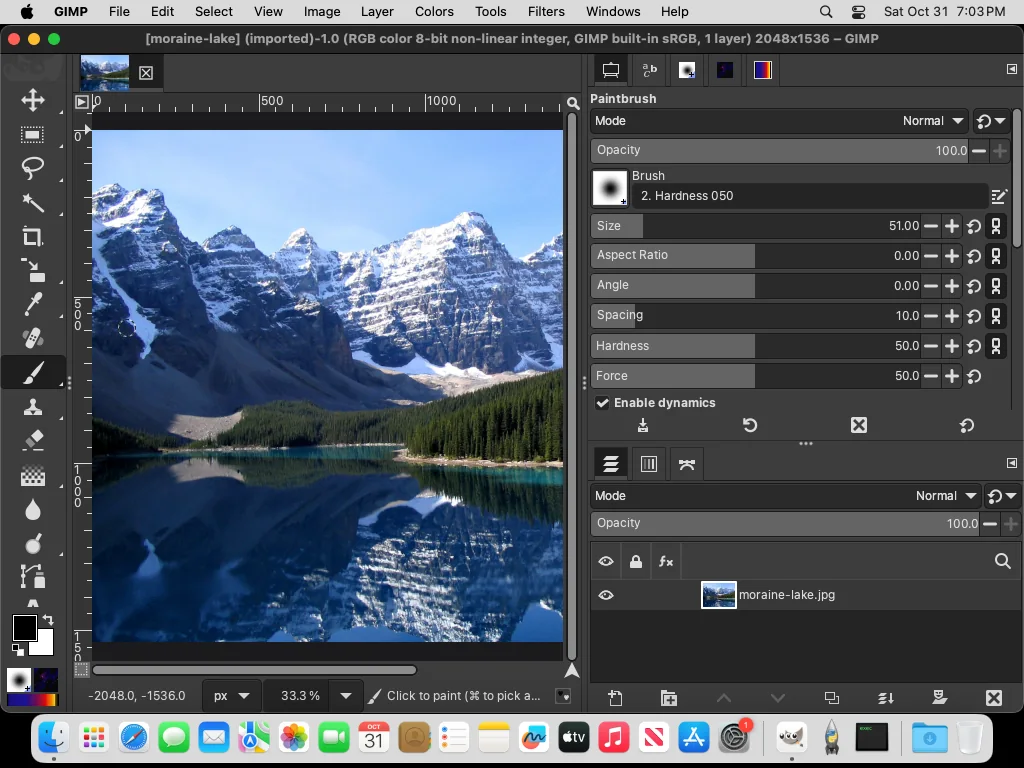
Everything this site says about PhotoGIMP’s behavior comes from runs on real installs of GIMP 3.2.6: four machines, the same steps on each, with screenshots, GIMP’s console output and the files GIMP wrote. We ran a first round, had three independent reviews check every claim against the evidence, and then ran a second round on all four machines for everything they found. A third round covered the other ways people get GIMP (Flatpak, Snap, Microsoft Store, Homebrew, GIMP Portable), an Intel Mac, Windows Server 2022, Finder copying, keyboard layouts and plug-ins. This page has the method, the results and the raw evidence.
On this page 8 sections
Results
| Setup | Windows 11 (Arm64) | Windows Server 2025 | macOS 15 | Linux (AppImage) |
|---|---|---|---|---|
| PhotoGIMP 3.1 pasted into GIMP 3.2.6’s 3.2 folder (README)Shortcuts and layout work; GIMP rejects the toolbox file. On Windows and Linux it then saved its own toolbox over it on quit (macOS not quit normally in that run) | toolbox lost | toolbox lost | toolbox rejected | toolbox lost |
| PhotoGIMP 3.1 + our GIMP 3.2 fixPhotoshop toolbox order kept after normal quits | works | works | works | works |
| 3.1’s 3.0 folder in place before GIMP 3.2’s first startGIMP migrates it to 3.2 and applies the same renames; toolrc identical to our fix | works | works | works | works |
| Our install command, pasted into PowerShell / zsh / bashHash check, backup, copy, fix; kept after two normal quits. On the 1024×768 Mac the saved 1888-pixel window opens partly off-screen | works | works | works, window off-screen | works |
| Our other commands, pasted: remove PhotoGIMP only, restore backup, repair, resetEach did what it says; the install command refused to run while GIMP was open and changed nothing | works | works | works | works |
| Upstream master fc61a8fLoads without the toolbox error and is kept after quitting; its toolbox order is close to GIMP’s own | loads | loads | loads | loads |
| 3.0 folder copied next to an existing 3.2GIMP 3.2 ignores it once it has its own folder | no effect | no effect | no effect | no effect |
| choco install photogimp (3.0.0) on a GIMP that was already startedExtracts into a 3.0 folder; uninstalling leaves it empty | no effect | no effect | n/a | n/a |
| choco install photogimp before GIMP 3.2’s first startGIMP migrates the package’s 3.0 folder: you get PhotoGIMP 3.0, not 3.1 | works (3.0) | works (3.0) | n/a | n/a |
| PhotoGIMP 3.1 on GIMP 3.0.8The version it was made for | not run | not run | not run | works |
“Toolbox lost” means the shortcuts and the dock layout worked but GIMP rejected PhotoGIMP’s toolbox file, used its own order, and saved that order on quit. “Toolbox rejected” is the same on the Mac, where that first-round run did not quit GIMP normally, so we could not see the save. Details on the GIMP 3.2 page.
Other GIMP builds and setups
Third round, November 1, 2026. The same install command and checks, on the builds of GIMP that keep their files in other places. The question each time: which folder does this GIMP really use, and does PhotoGIMP with the fix survive a quit there?
| Setup | Tested on | Settings folder GIMP used | Result |
|---|---|---|---|
| GIMP from Flathub (Flatpak)Our Flatpak install command, pasted: toolbox kept after two quits, the PhotoGIMP launcher opened GIMP. Also: refused while GIMP ran, remove, master, and migration of a 3.0 folder | Ubuntu 24.04 | ~/.config/GIMP/3.2 | works |
| GIMP from the Snap StoreNot ~/snap/gimp. Our install command, pasted: toolbox kept after two quits; refused while GIMP ran | Ubuntu 24.04 | ~/.config/GIMP/3.2 | works |
| GIMP from the Microsoft Store (3.2.60.0)The same folder as the installer version, no private app folder. PhotoGIMP with the fix kept after quitting | Windows Server 2025 | %APPDATA%\GIMP\3.2 | works |
| GIMP Portable 3.2.6 Rev 3 (PortableApps.com)Installed with its own installer. Its launcher sets GIMP3_DIRECTORY to this folder; %APPDATA%\GIMP is never touched. PhotoGIMP with the fix kept after two quits | Windows Server 2025 | GIMPPortable\Data\GimpAppData | works |
| GIMP 3.2.6 installerAll second-round scenarios repeated: every file hash identical to Windows Server 2025 | Windows Server 2022 (Windows 10 generation) | %APPDATA%\GIMP\3.2 | works |
| Intel (x86_64) DMG of GIMP 3.2.6All macOS scenarios repeated: every file hash identical to Apple Silicon | macOS 15 on an Intel Mac | ~/Library/Application Support/GIMP/3.2 | works |
| GIMP from Homebrew (brew install --cask gimp)Same GIMP.app as the DMG; all macOS scenarios repeated with identical results | macOS 15, Apple Silicon | ~/Library/Application Support/GIMP/3.2 | works |
| Copying with Finder and choosing ReplaceFinder replaces whole subfolders: a file of your own in tool-options was deleted. Works after the fix, but use our command if you have presets | macOS 15, Intel and Apple Silicon | ~/Library/Application Support/GIMP/3.2 | replaces folders |
| Keyboard layouts: US, UK, German, French, Spanish, Italian, BrazilianWe pressed the keys that type ] on each layout (US: the ] key; UK, German, Spanish, Italian, Brazilian: AltGr+9; French: AltGr+)) with the Paintbrush active: the brush grew every time | Linux (AppImage) | – | works |
| Resynthesizer and G’MIC plug-ins (Flathub)Both register under Filters; Heal Selection ran on a test photo. Independent of PhotoGIMP | Ubuntu 24.04 | – | works |
Two GitHub machines did not cooperate: on the Windows 11 Arm64 runner the Microsoft Store install reported success but no GIMP package appeared, so the Store result is from Windows Server 2025 (x64). Windows 10 itself is no longer offered by GitHub; Windows Server 2022 (build 20348) is the closest available system.
The machines
- Windows 11
- GitHub Actions
windows-11-armrunner: Windows 11 Enterprise 25H2, build 26200, Arm64. GIMP 3.2.6 installer (native Arm64 build), installed for the current user. - Windows Server
- GitHub Actions
windows-2025runner: Windows Server 2025 Datacenter, build 26100, x64, with the same File Explorer as Windows 11. Chocolatey preinstalled. - macOS
- GitHub Actions
macos-15runner: macOS 15.8.2 (24H232), Apple Silicon, 1024×768 screen. GIMP 3.2.6 arm64 DMG. - Linux
- Ubuntu 24.04 container with a virtual X display (Xvfb, 1600×1000) and the Openbox window manager. x86_64 AppImages of GIMP 3.2.6 and GIMP 3.0.8 from gimp.org.
- Third round
- GitHub Actions
windows-2022(Windows Server 2022 Datacenter, build 20348, x64),windows-2025with the Microsoft Store GIMP and GIMP Portable 3.2.6 Rev 3 from PortableApps.com,macos-15-intel(macOS 15.7.9, x86_64, the Intel DMG of GIMP 3.2.6),macos-15withbrew install --cask gimp, andubuntu-24.04with GIMP from Flathub and the Snap Store. - PhotoGIMP
- Release 3.1 assets downloaded from GitHub, and upstream master at commit fc61a8f (October 25, 2026).
- Test image
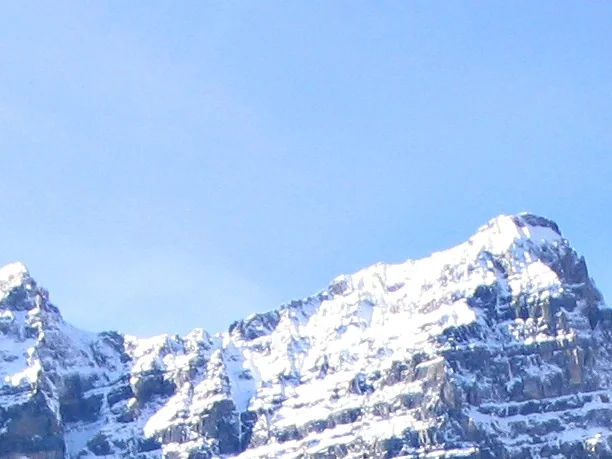
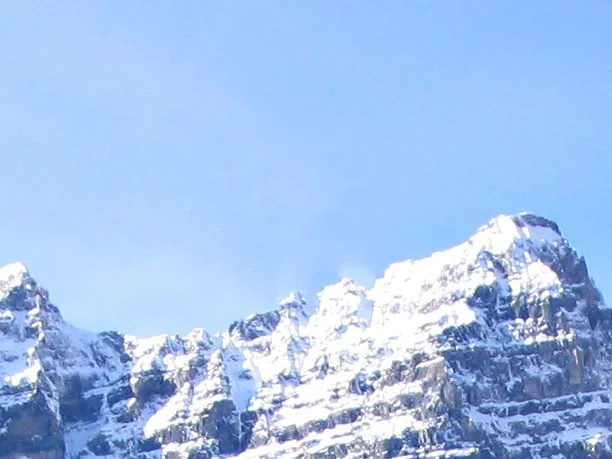
- “Moraine Lake 17092005.jpg” from Wikimedia Commons (public domain), saved without its embedded color profile so GIMP’s color-profile question did not interrupt the runs.
Method
Every scenario started from a GIMP settings folder created by GIMP itself (start GIMP, quit), except the migration and “before first start” scenarios, which started with no settings at all. Then:
- README way: copy the contents of the 3.1 zip’s
3.0folder into GIMP’s3.2folder (on Windows with File Explorer, on macOS with the README’srsynccommand), start GIMP with an image, quit, start again. - Our fix: the same copy, then rename the three GIMP 3.0 names before the first start.
- Before first start (migration): put the zip’s
3.0folder in GIMP’s settings folder before GIMP 3.2 has ever run, start, quit, start again. - Our commands, pasted: the exact commands the path finder shows, fed to the shell the way a paste is (Windows PowerShell reading them line by line; zsh on macOS; zsh and bash on Linux): install, start and quit twice, refuse while GIMP is open, remove PhotoGIMP only, restore the backup, master, repair, reset.
- Master: copy master’s settings files (on Linux with its
install.sh), and with our command on Windows and macOS. - Wrong folder: copy the
3.0folder next to an existing3.2. - Chocolatey:
choco install photogimpon a GIMP that had been started once, and again before GIMP’s first start; start GIMP;choco uninstall photogimp. - Portable: on Linux, start GIMP with
GIMP3_DIRECTORYpointing at an empty folder, install PhotoGIMP into it, start and quit. - Other builds (third round): install GIMP the way that build is installed (
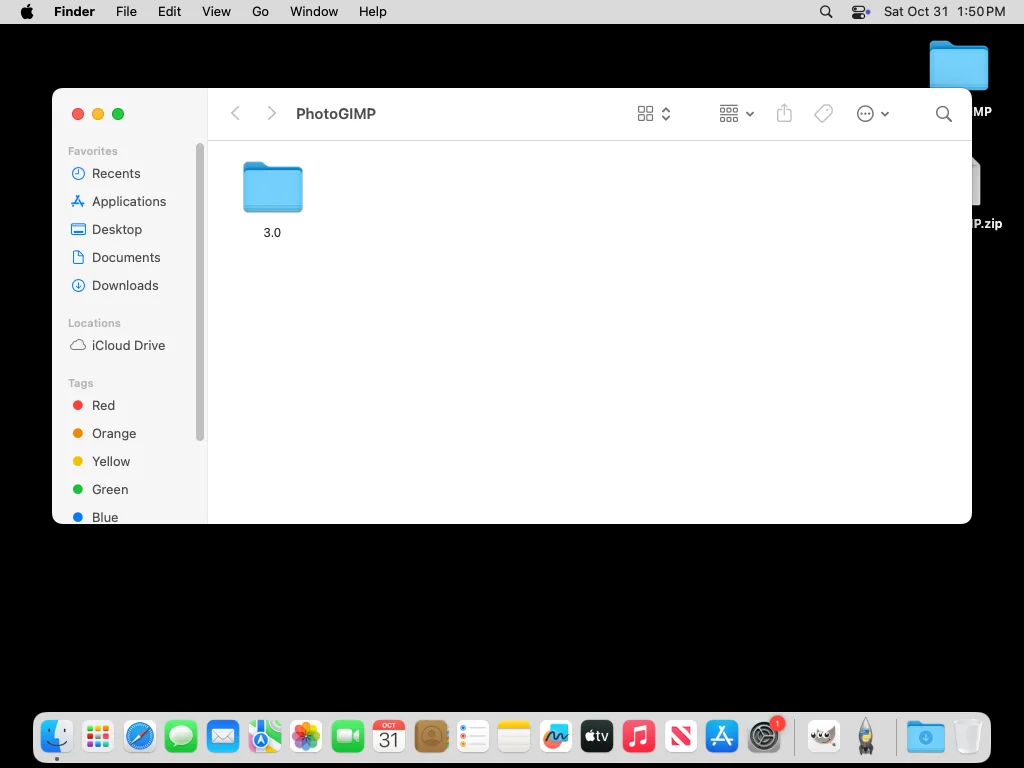
flatpak install flathub org.gimp.GIMP,snap install gimp,winget installfrom themsstoresource,brew install --cask gimp, the PortableApps.com package with its own installer), start and quit it once, then search the disk for the settings folder it created. Install PhotoGIMP there with our command (or, for the Store and Portable builds, the same copy and fix), start, quit, start again. - Finder: on macOS, extract the zip with Archive Utility and copy the
3.0folder’s contents into3.2with Finder, choosing Replace, after putting a file of our own in3.2/tool-options. - Keyboard layouts: on Linux, switch the layout with
setxkbmap(US, UK, German, French, Spanish, Italian, Brazilian), press the key combination that types ] on that layout three times with the Paintbrush, quit, and read the brush size GIMP saved. - Plug-ins: on Linux, install GIMP and the GIMP 3 branch of the Resynthesizer and G’MIC plug-ins from Flathub, list the procedures they register and run Heal Selection on part of the test photo.
- Keys: on Linux, press Ctrl+A, Ctrl+D, Ctrl+E, Ctrl+J, ], Ctrl+T and V with real key events (with 3.1 and the fix) and record what GIMP did.
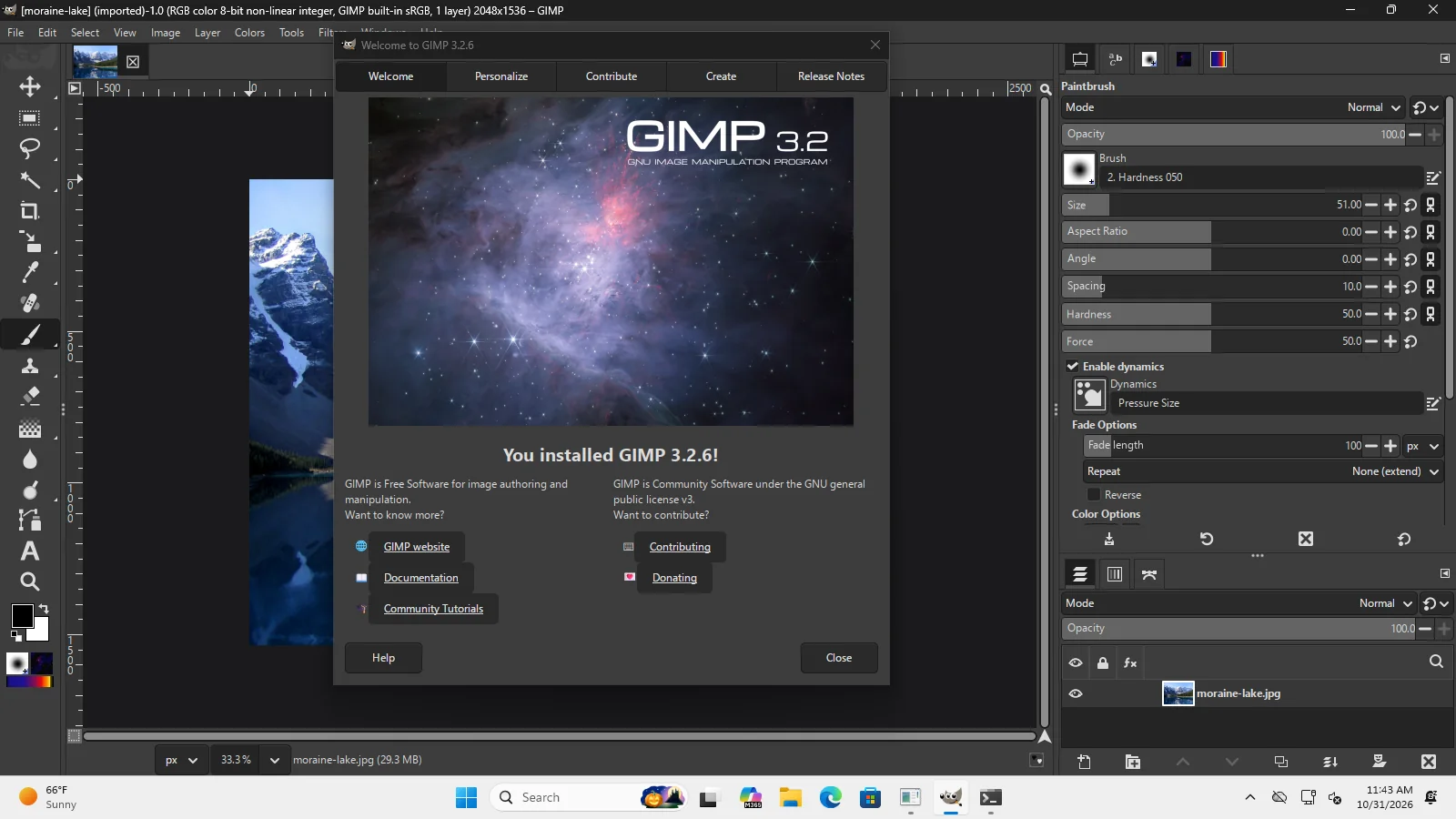
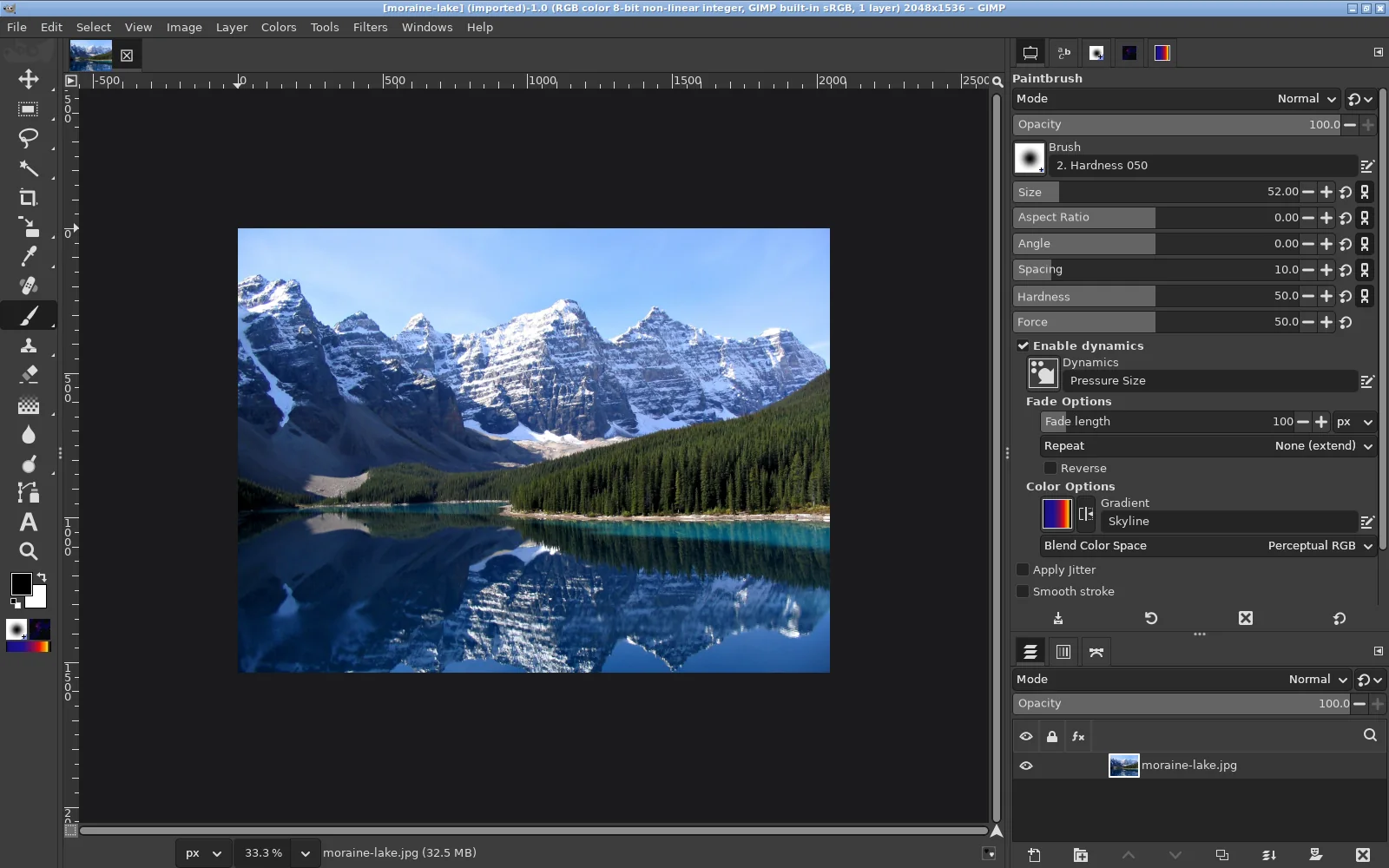
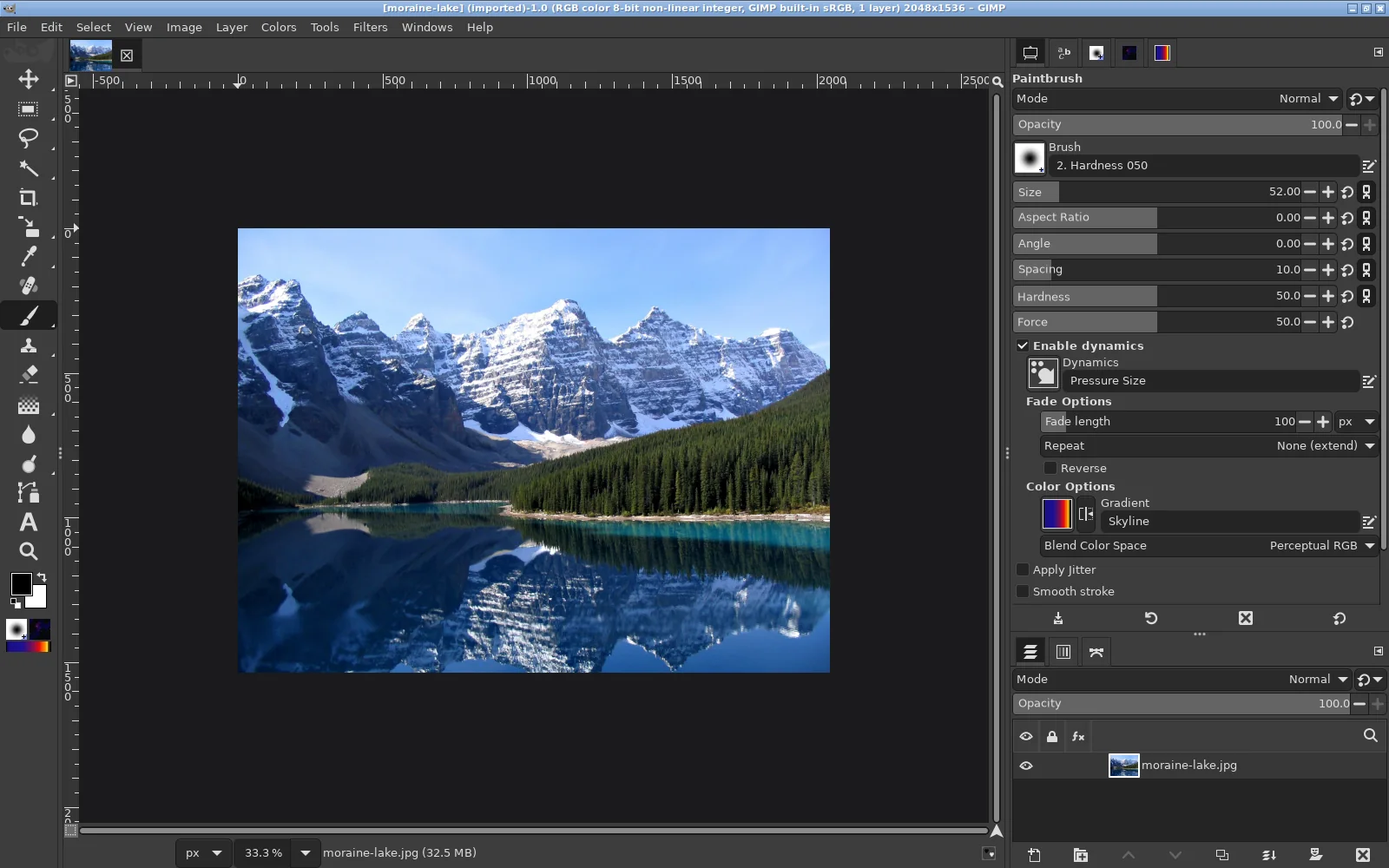
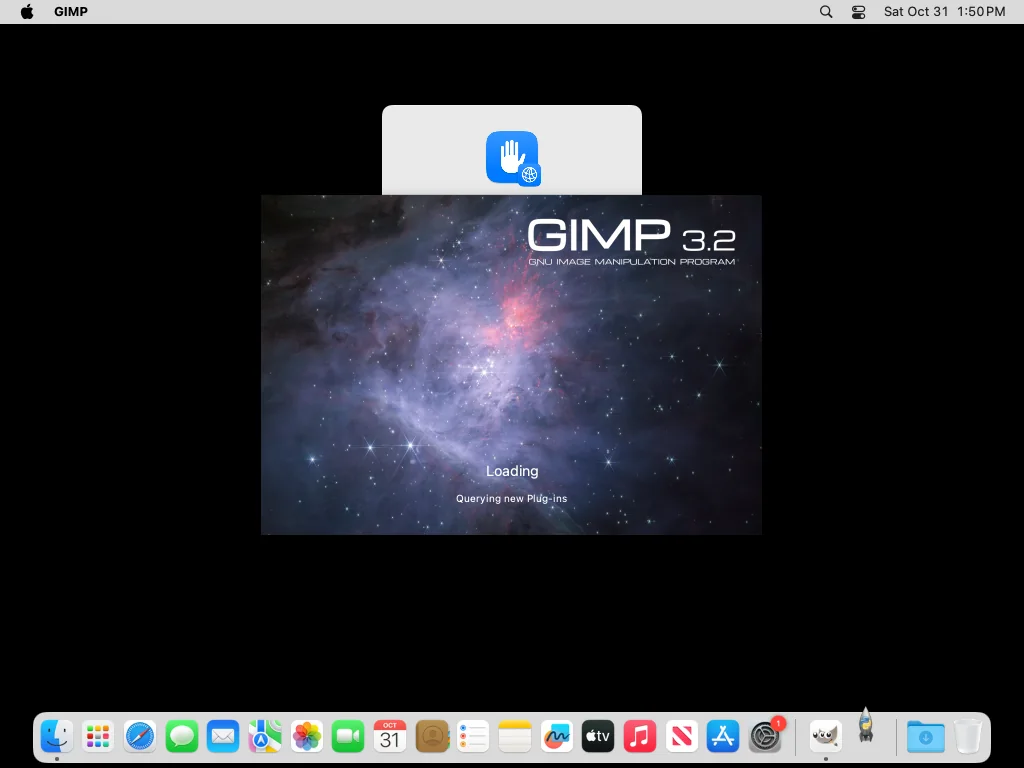
After each start we took screenshots and recorded GIMP’s console output (Linux and macOS; GIMP on Windows has no console). After each quit we recorded the SHA-256 of toolrc, sessionrc and shortcutsrc, which shows exactly what GIMP kept or rewrote. GIMP was quit normally (Ctrl+Q, or Cmd+Q on the Mac in the second round). To get clean screenshots we closed GIMP’s Welcome dialog automatically, the same as clicking its Close button, and on the 1024×768 Mac we dragged GIMP’s oversized window into the screen. On macOS we answered the local-network prompt with “Don’t Allow”. Downloading master inside our Linux container was blocked by its network proxy, so on Linux master was tested with its own install.sh.
What the file hashes show
| toolrc | SHA-256 (first 12) | Seen after quitting GIMP in |
|---|---|---|
| Stock GIMP 3.2.6 | 9b62c9f42fb6 | Fresh profiles; and after the first start with PhotoGIMP 3.1 without the fix, on Linux and both Windows machines (the Mac run of this scenario stopped GIMP without a normal quit, so GIMP did not save there) |
| PhotoGIMP 3.1 as released | ce59d6d020bb | Never after a normal quit on GIMP 3.2: GIMP replaces it |
| 3.1 with our fix | ab9f6c2b01c4 | After the fix, after our install command and after GIMP 3.2’s own migration of a 3.0 folder, on all four machines, also after normal quits and restarts |
| master fc61a8f | 572a3d4ba9e3 | After installing master, on all four machines; kept after quitting |
Screenshots
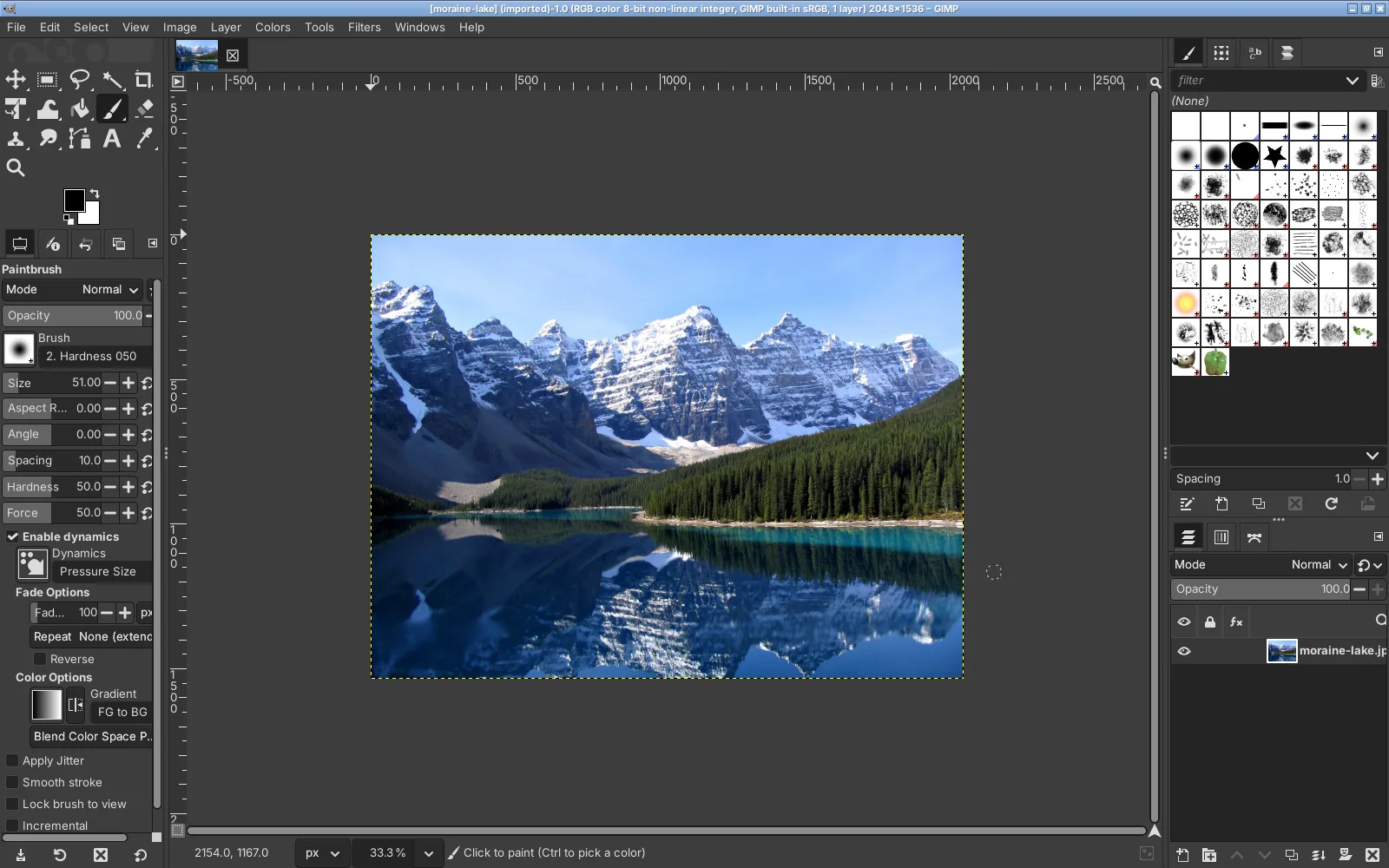
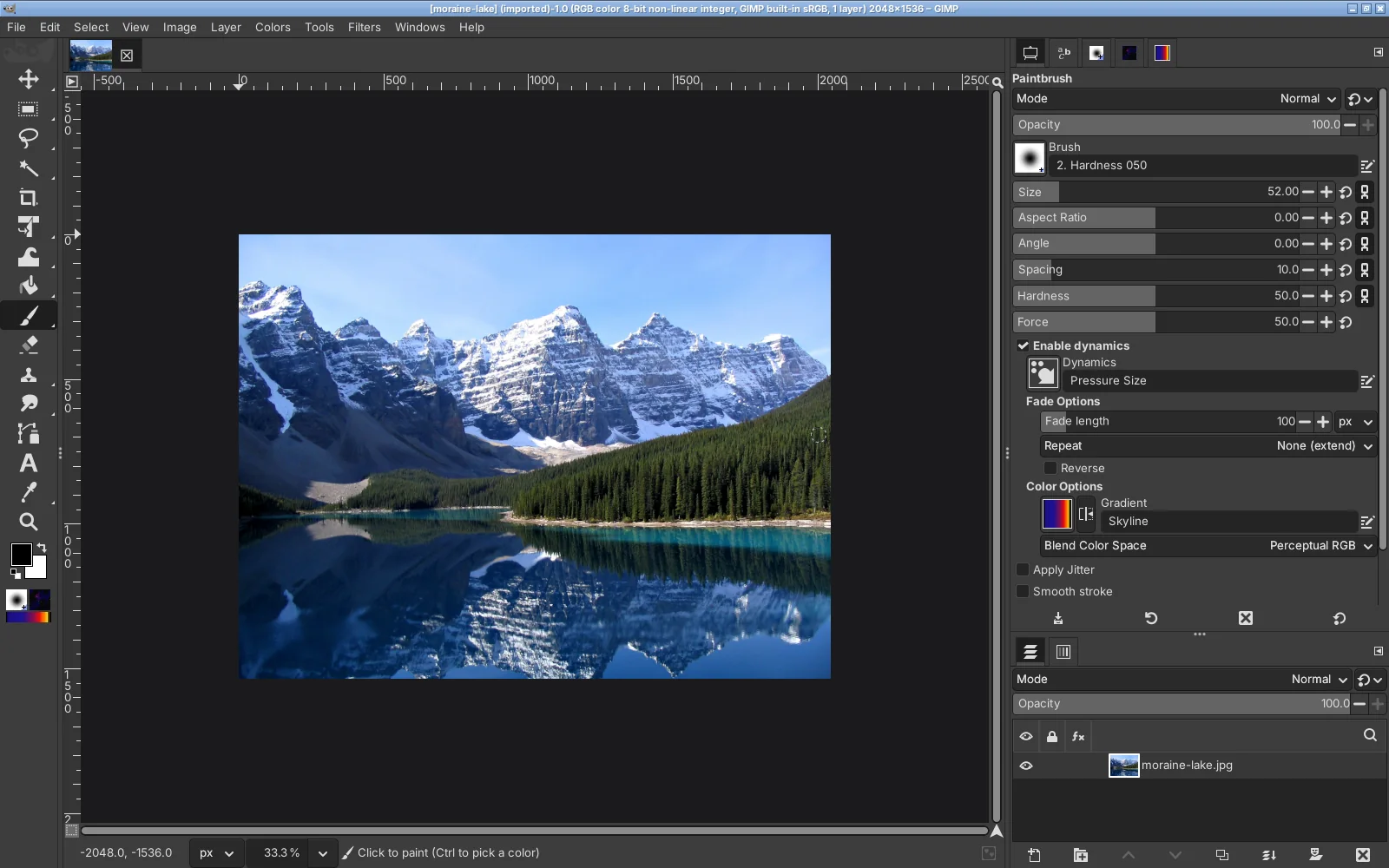
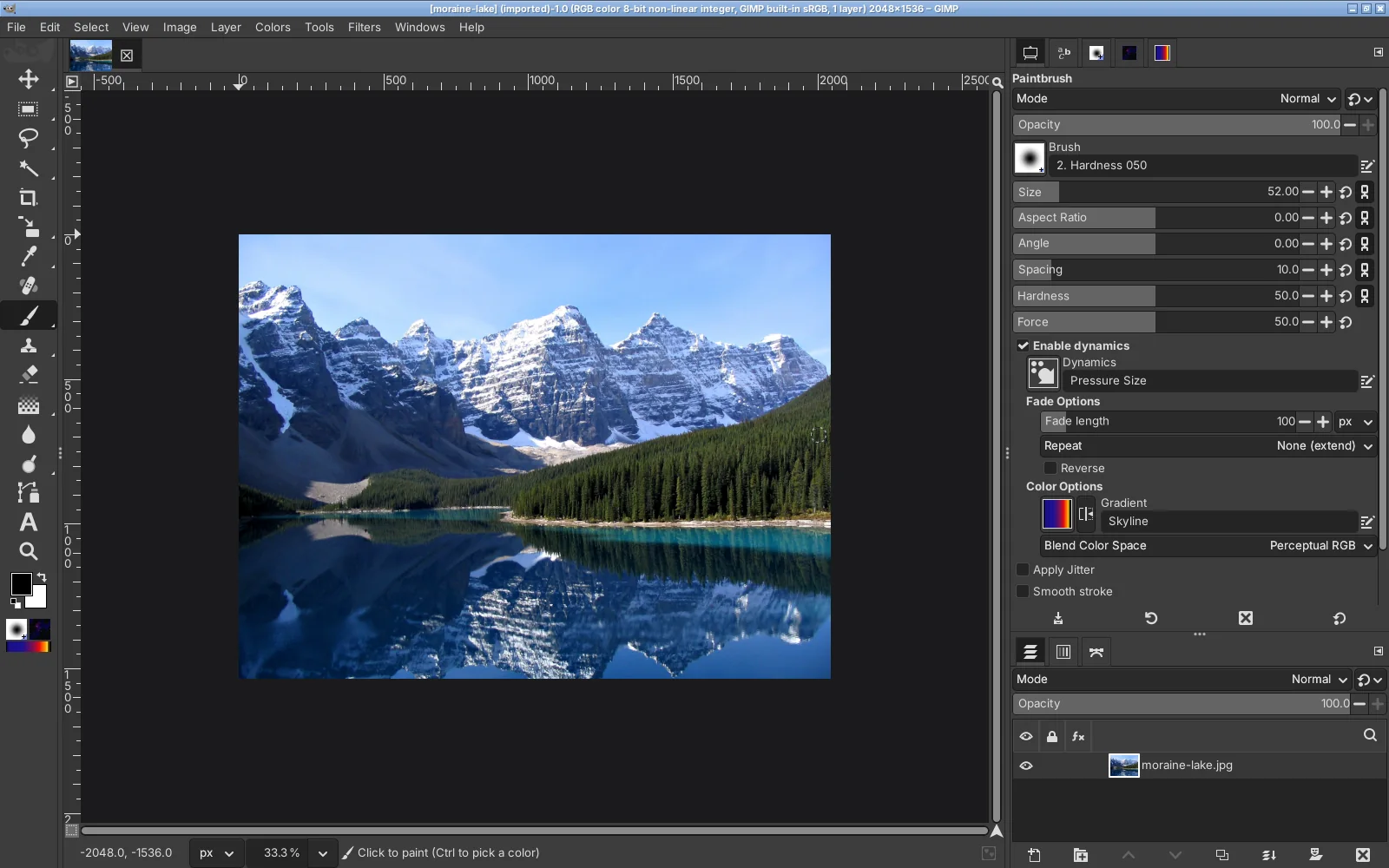
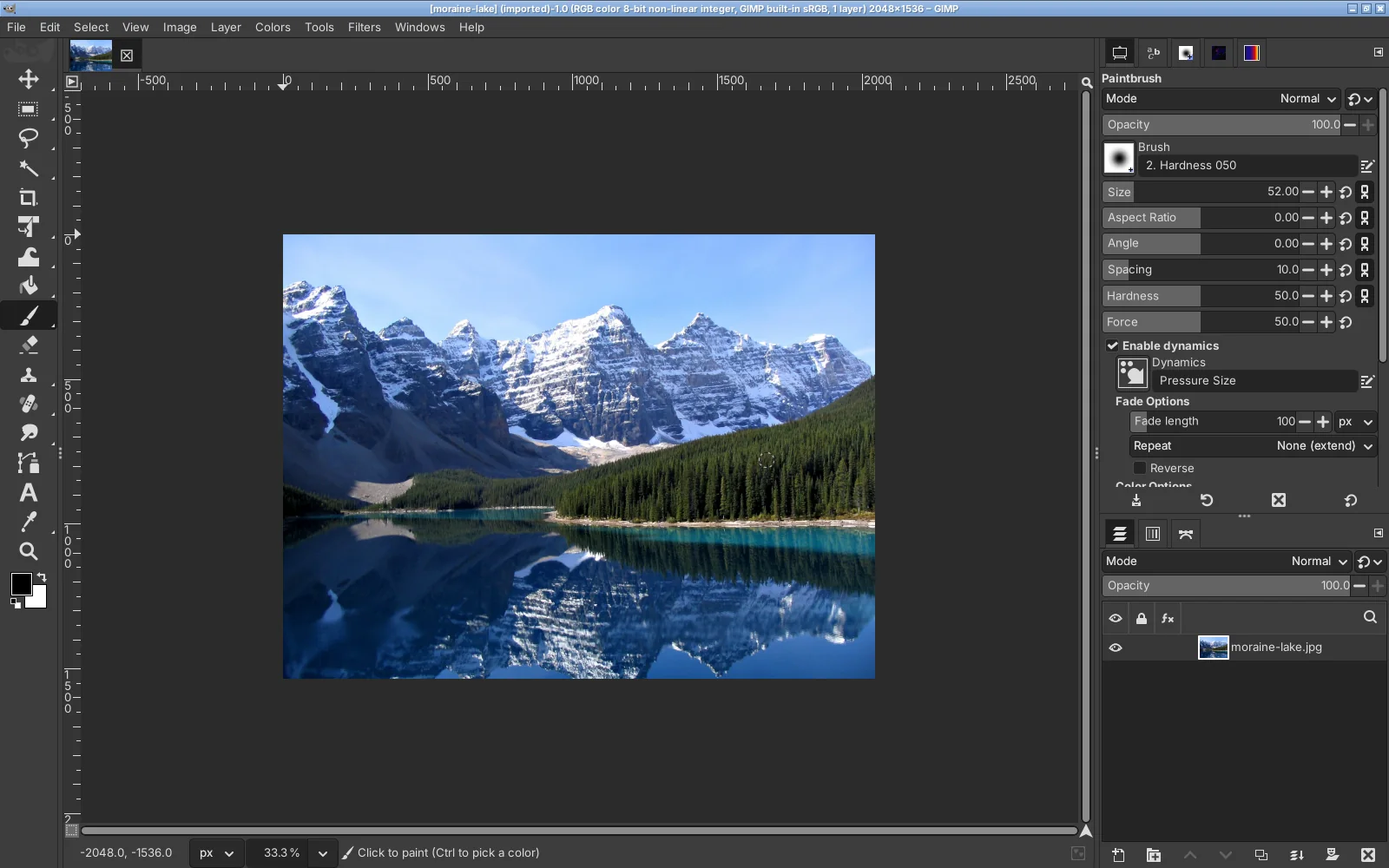
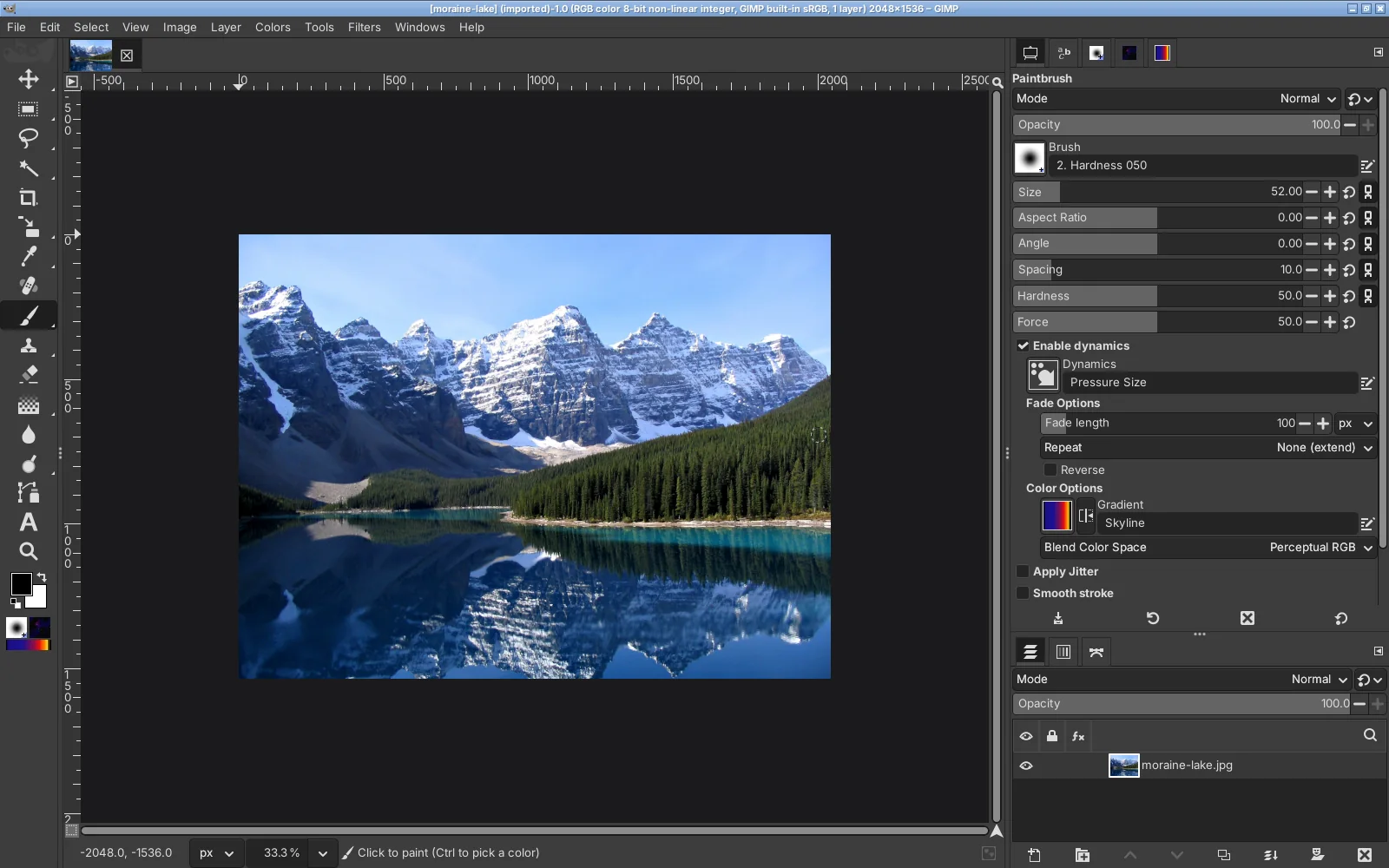
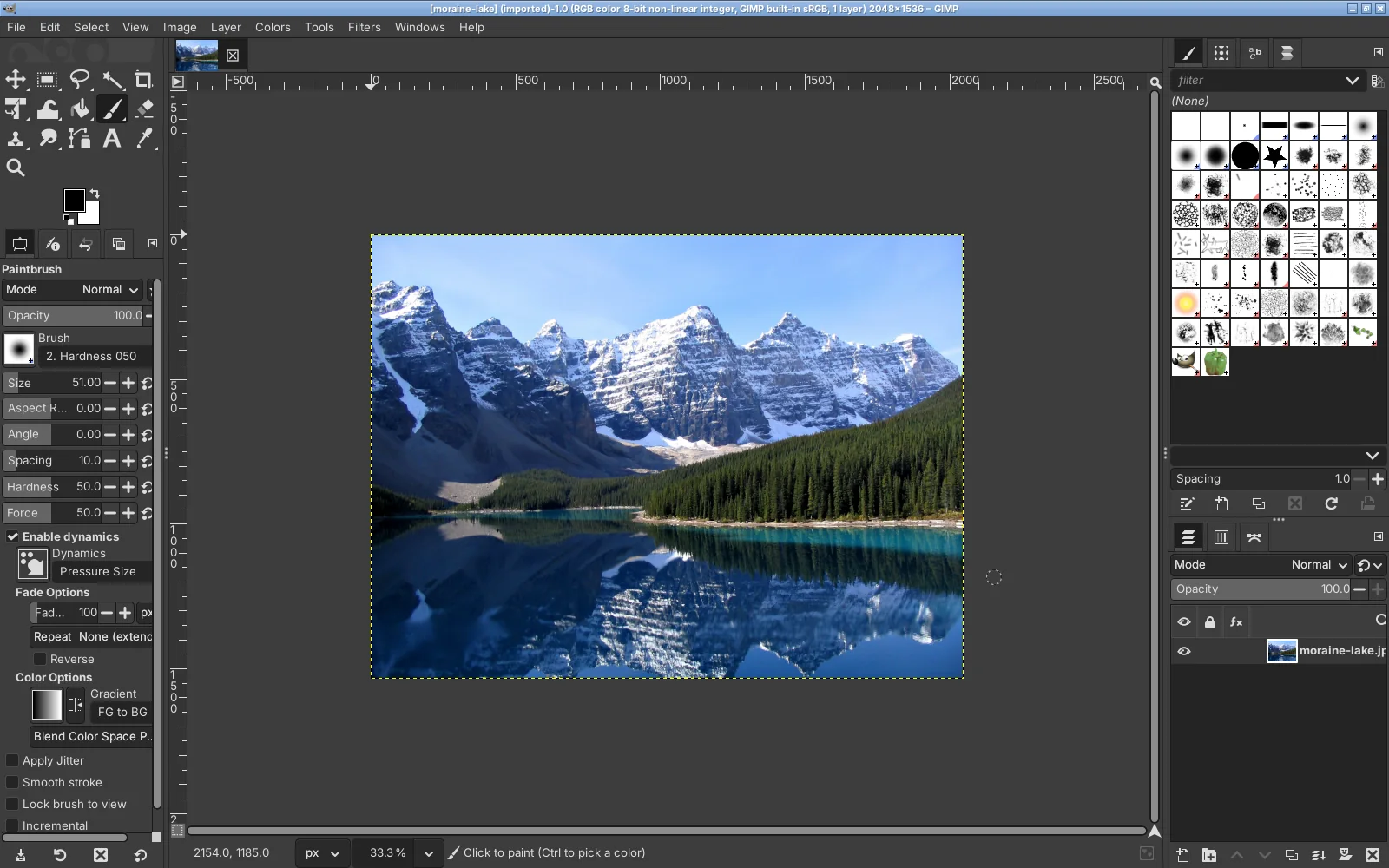
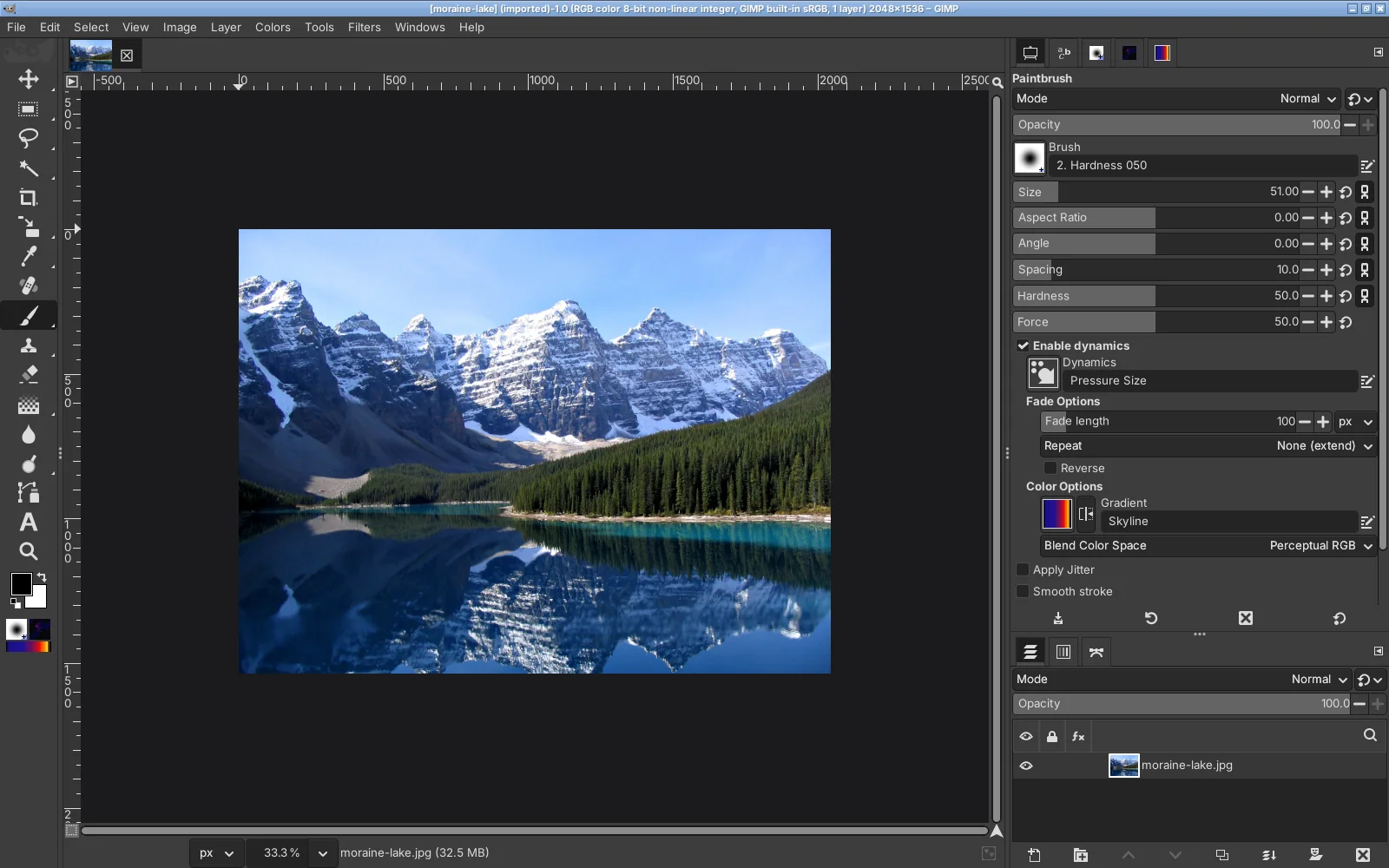
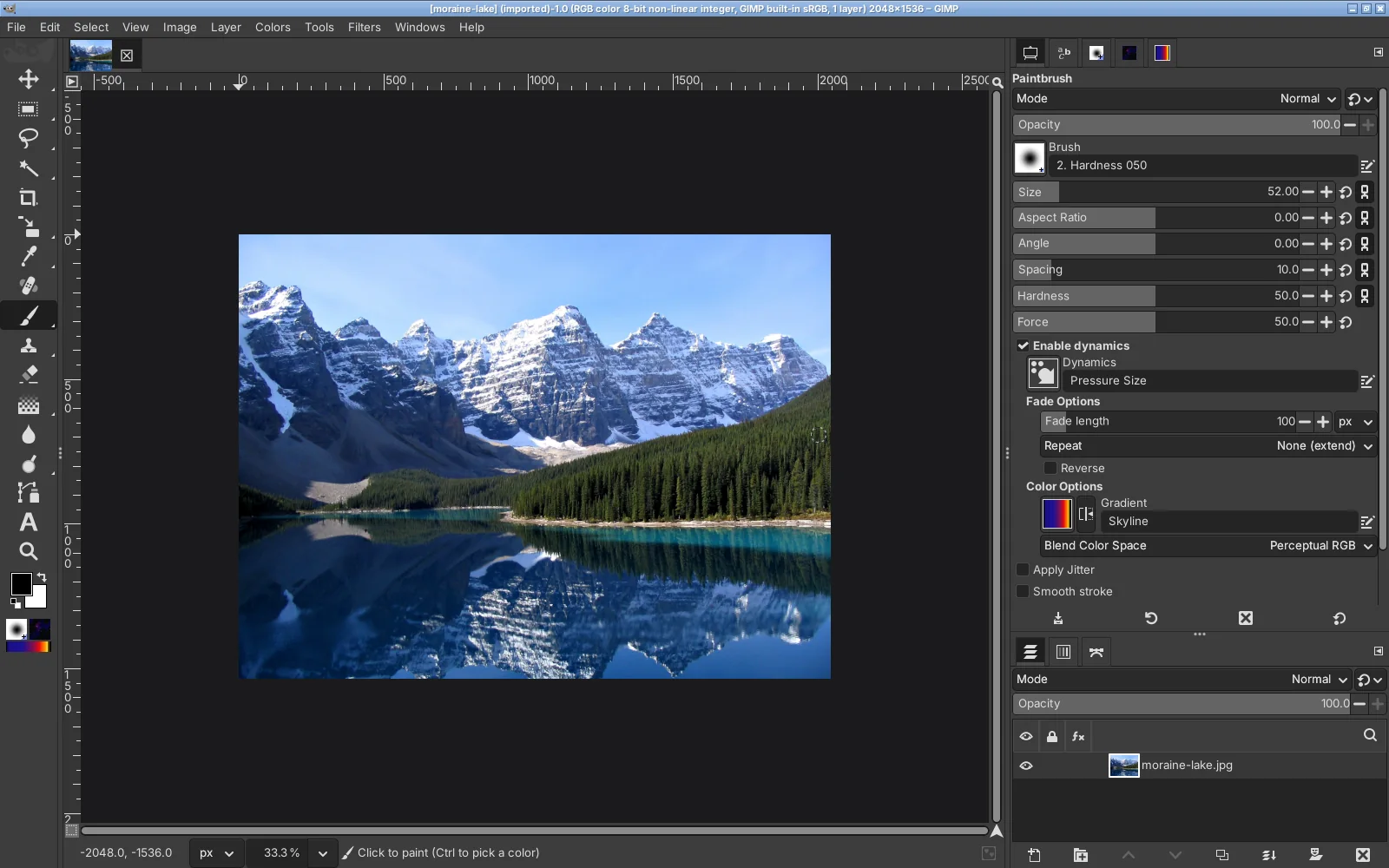
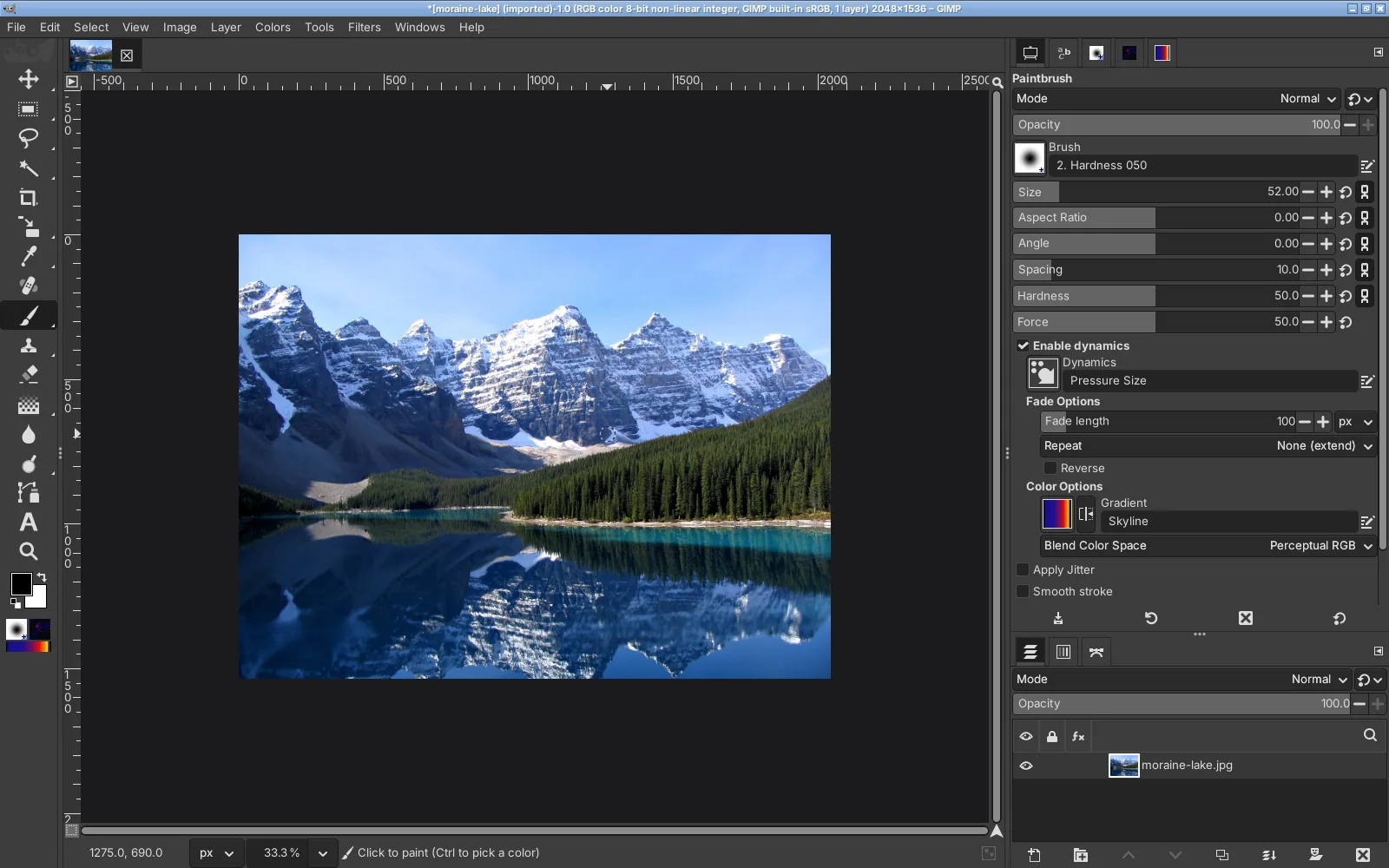
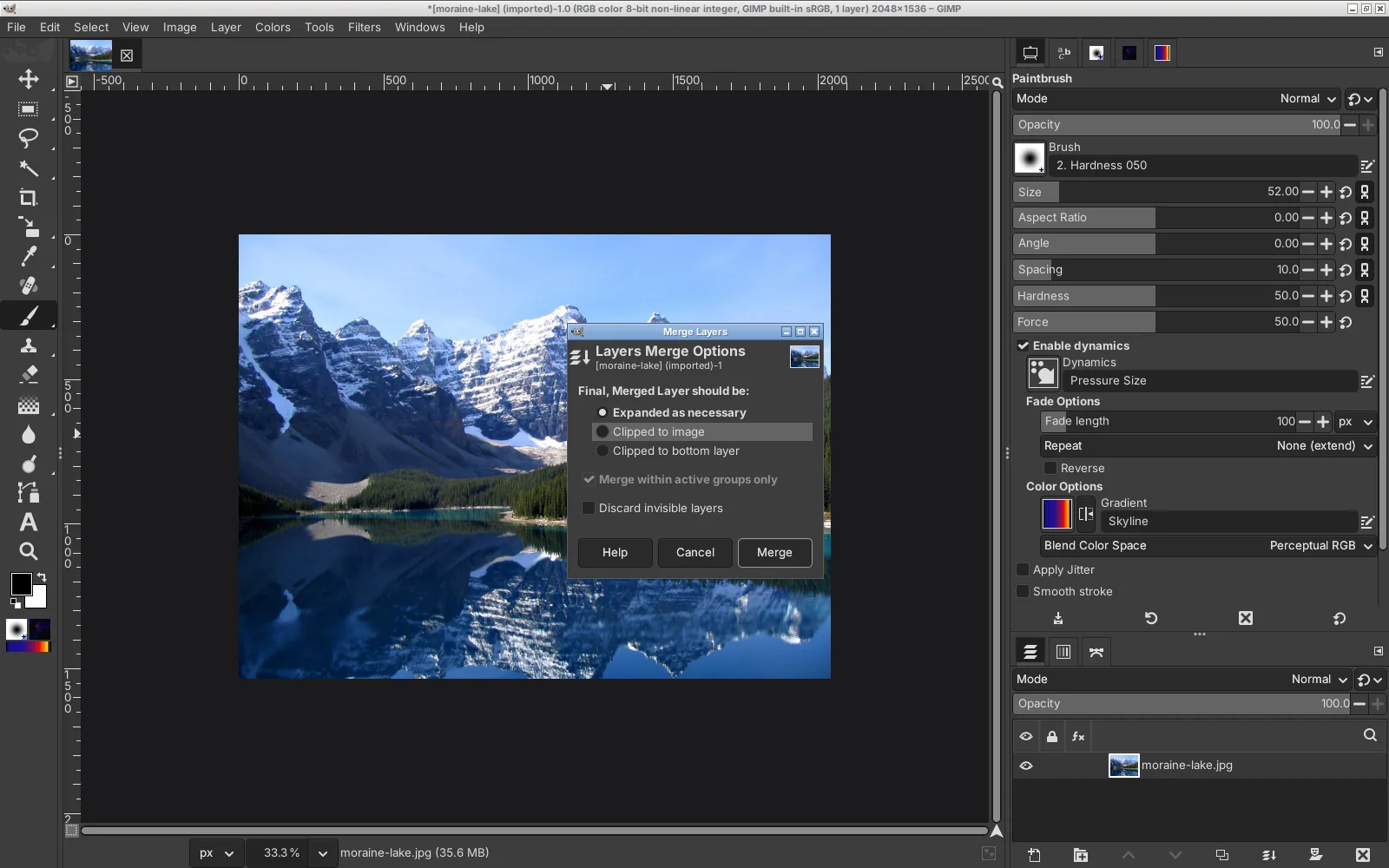
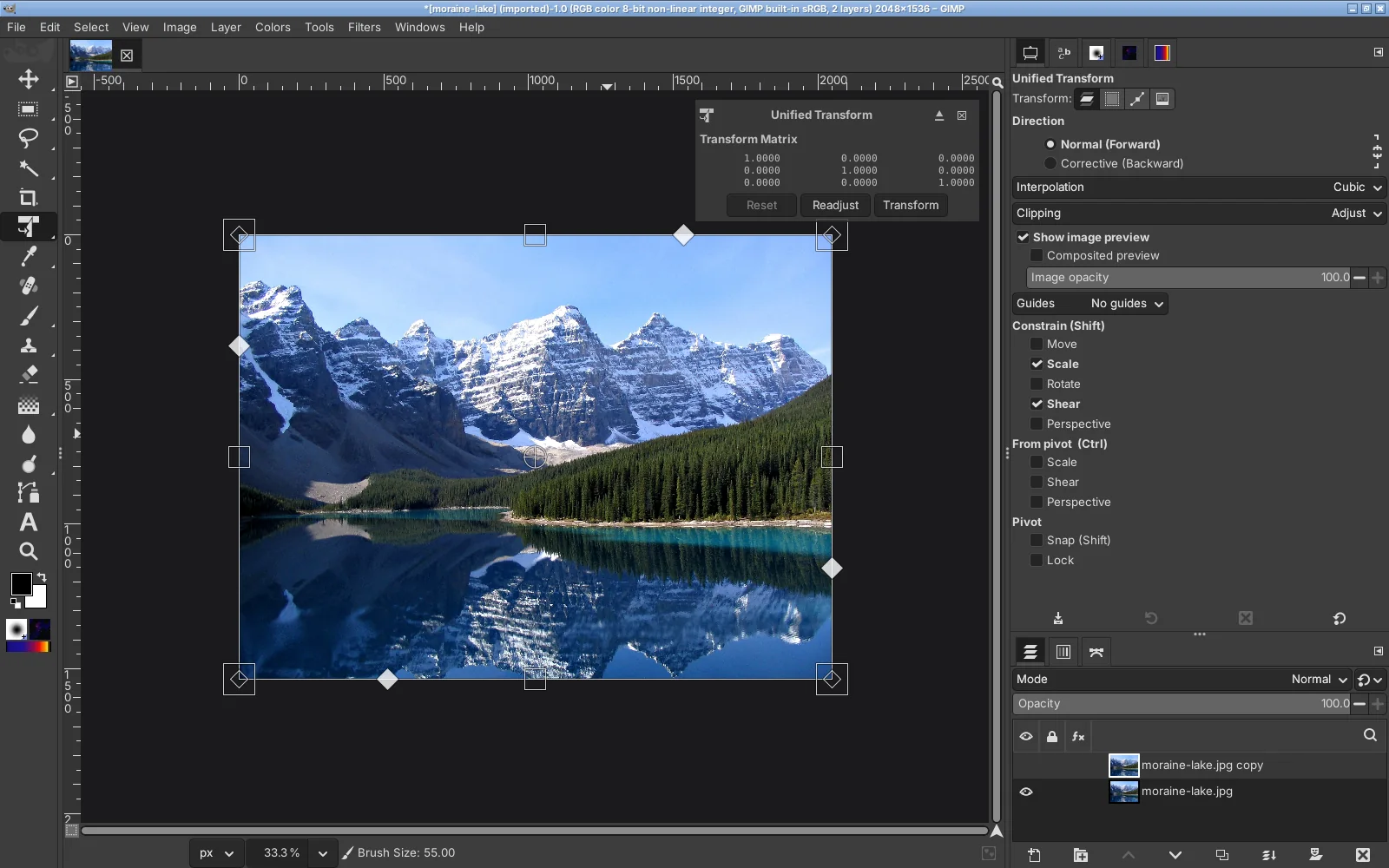
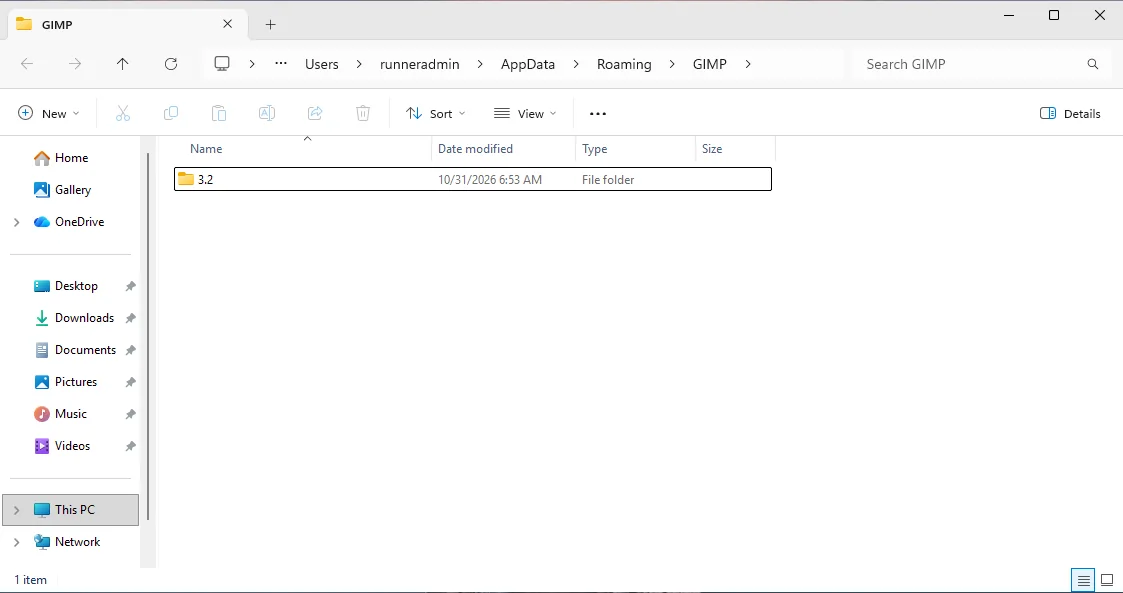
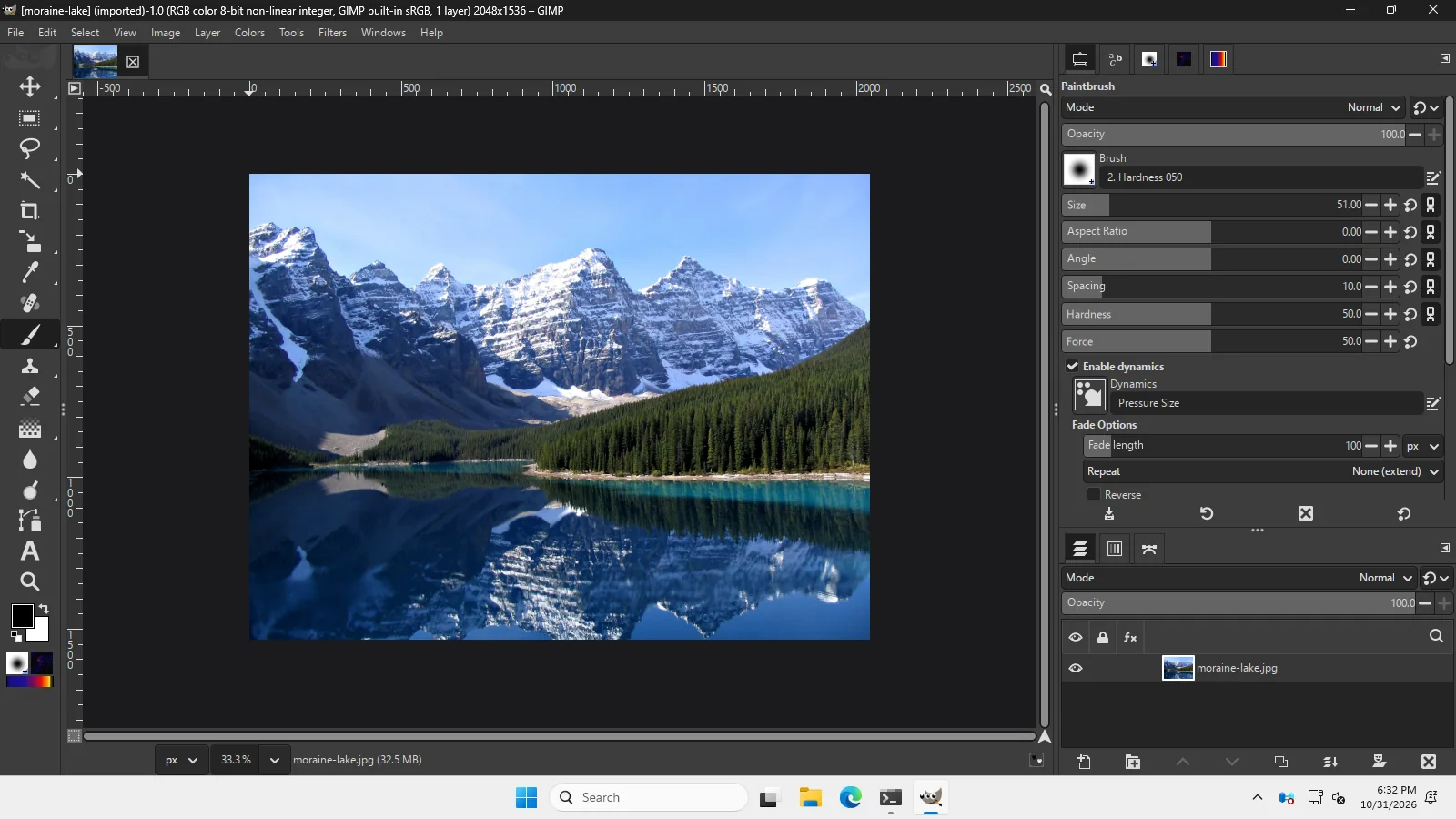
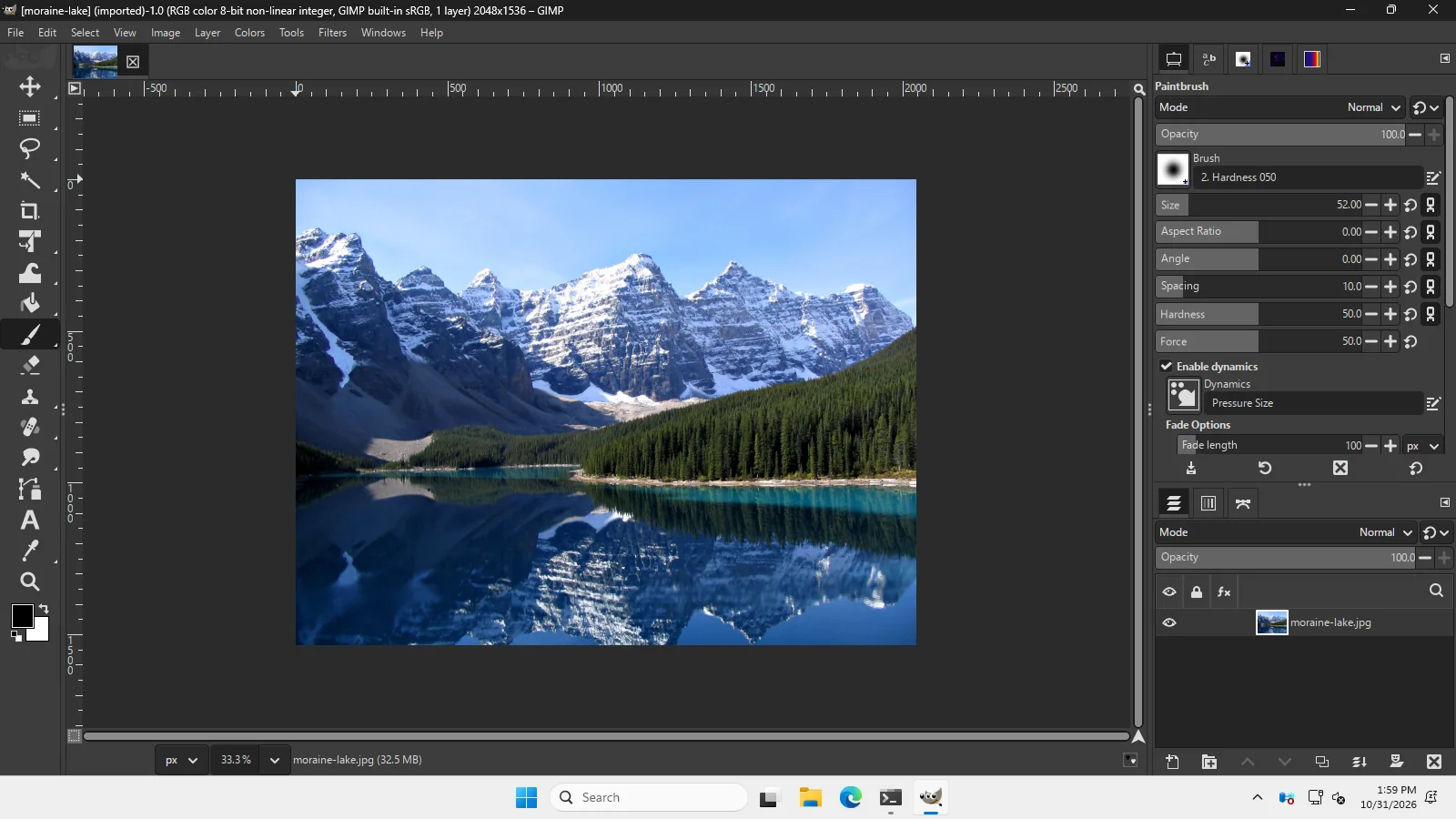
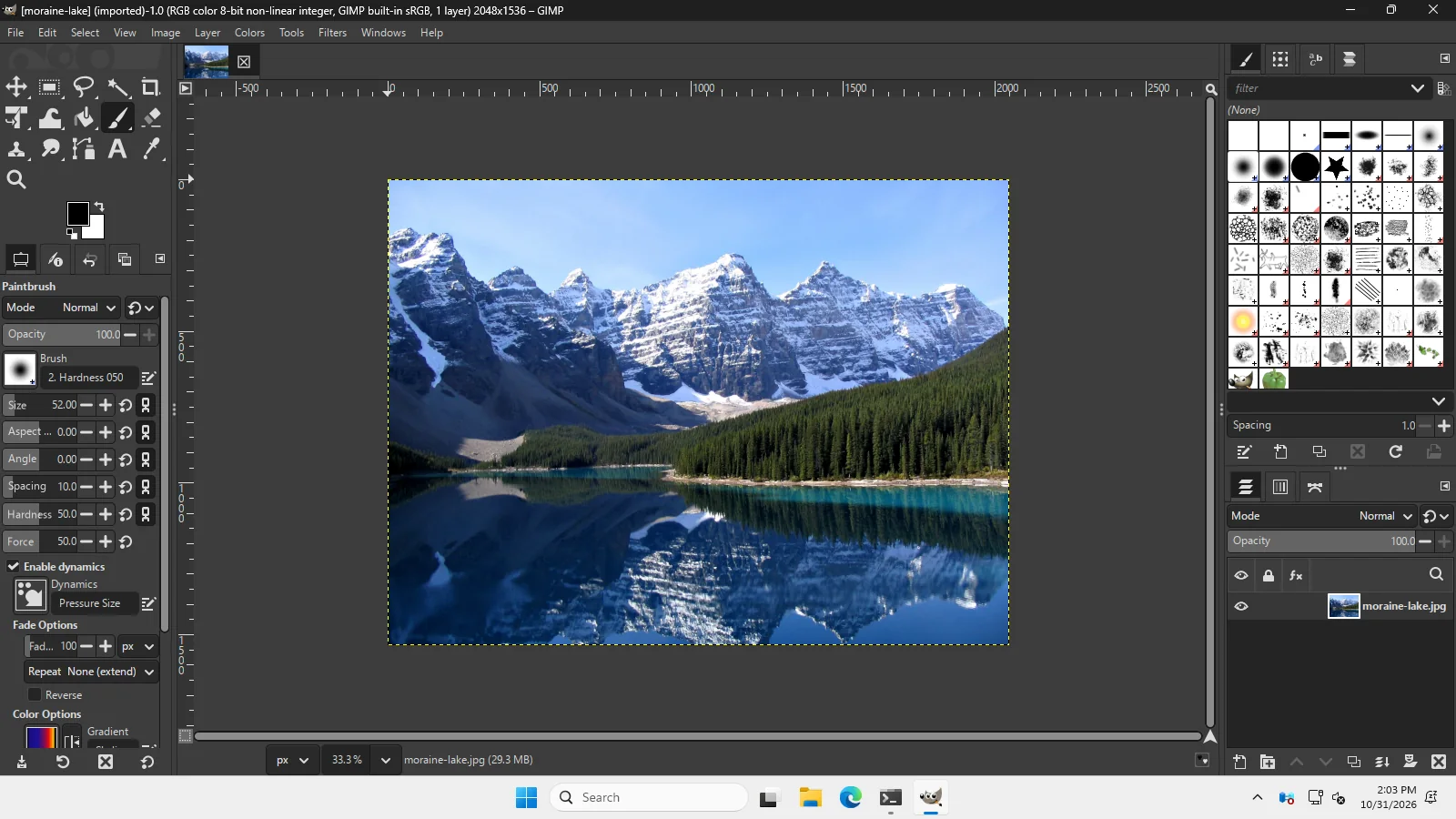
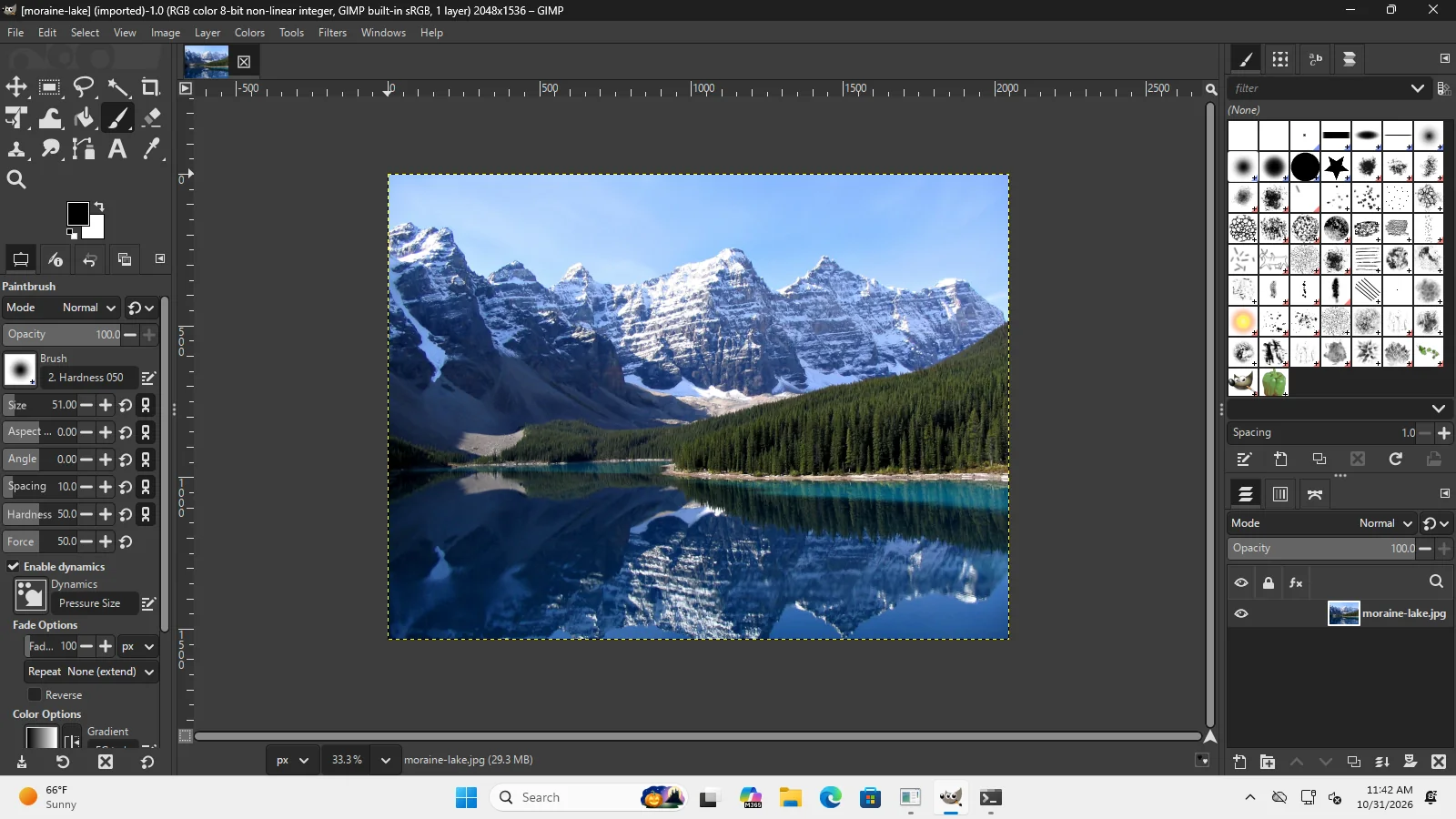
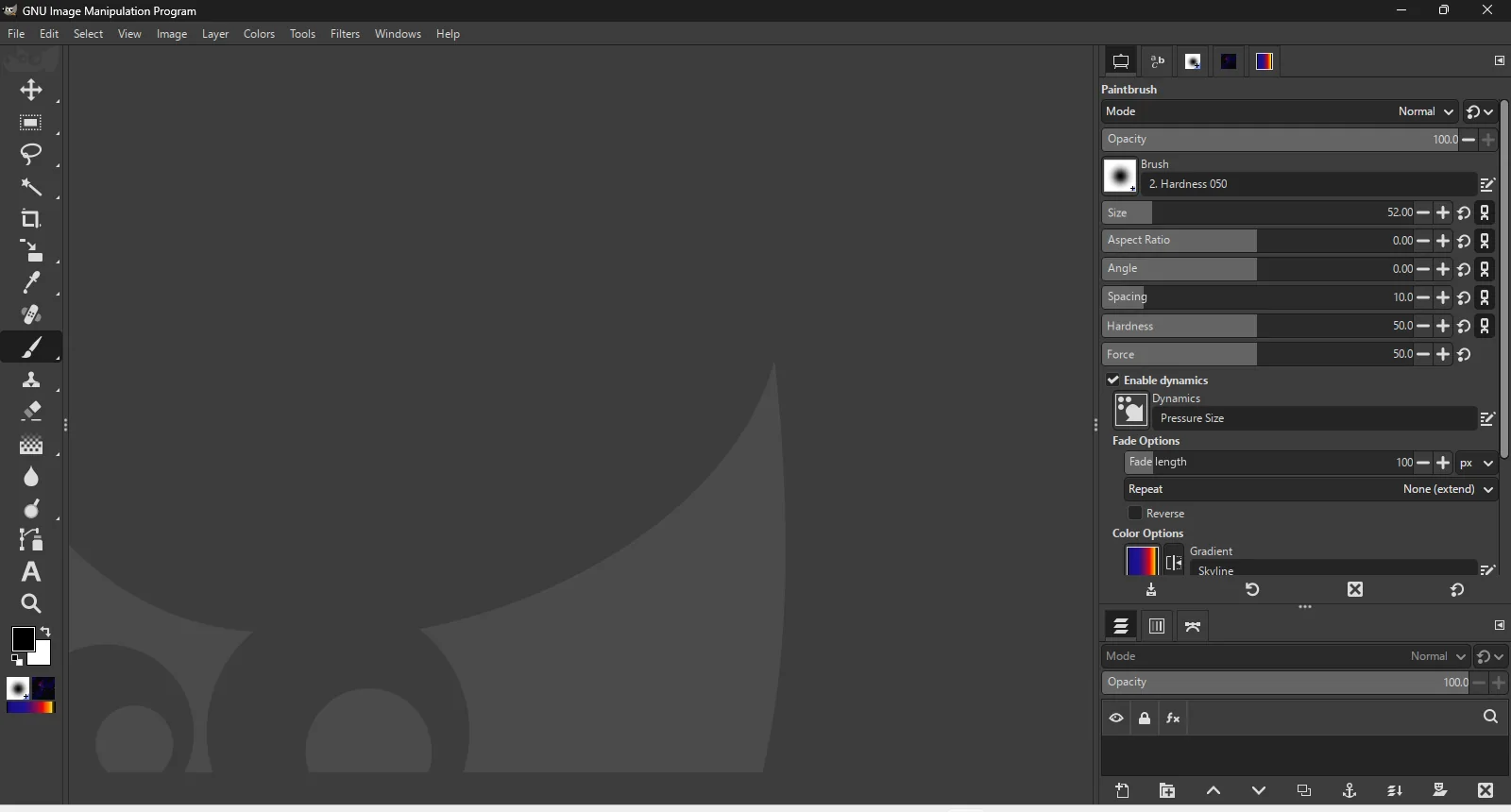
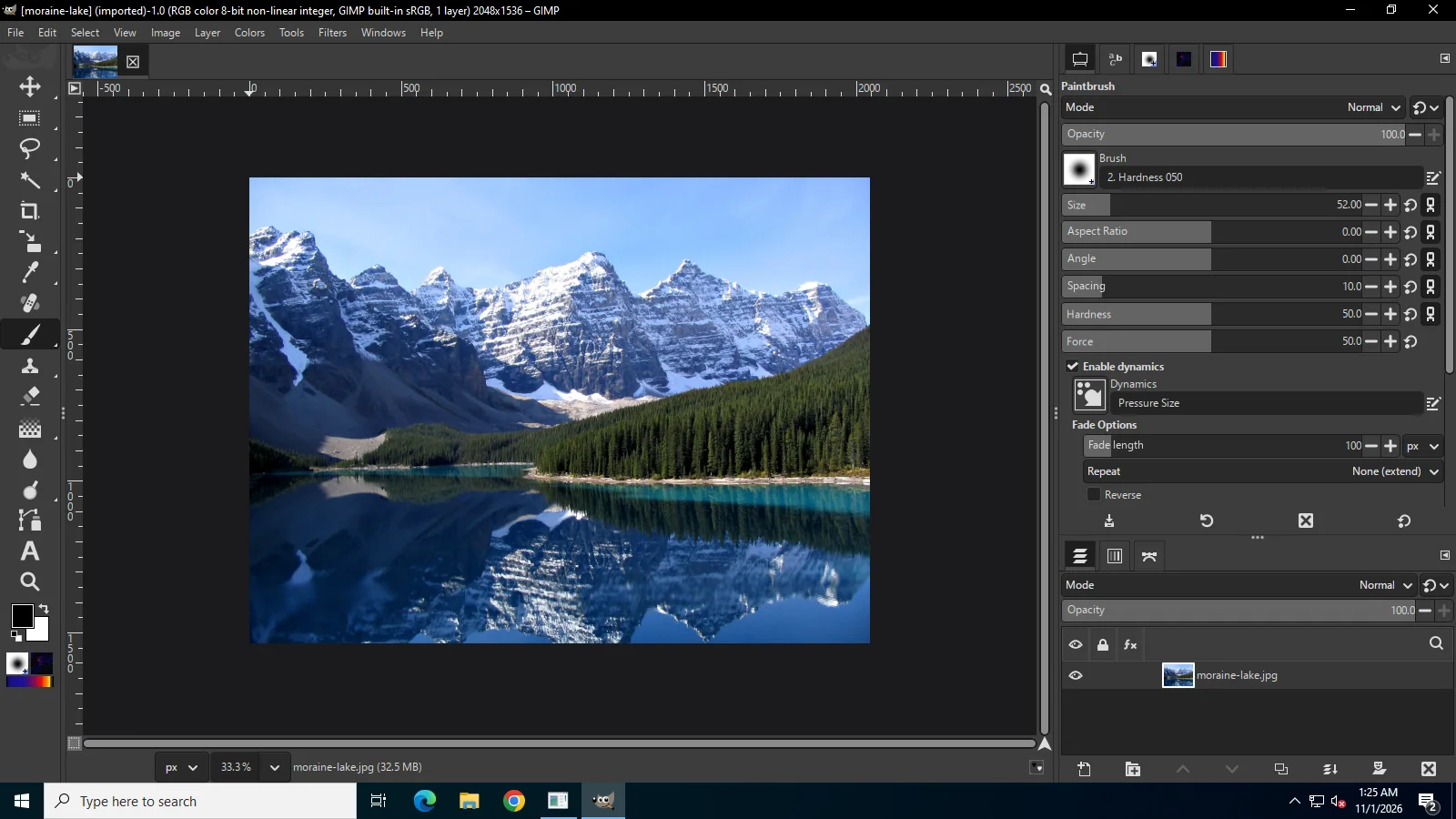
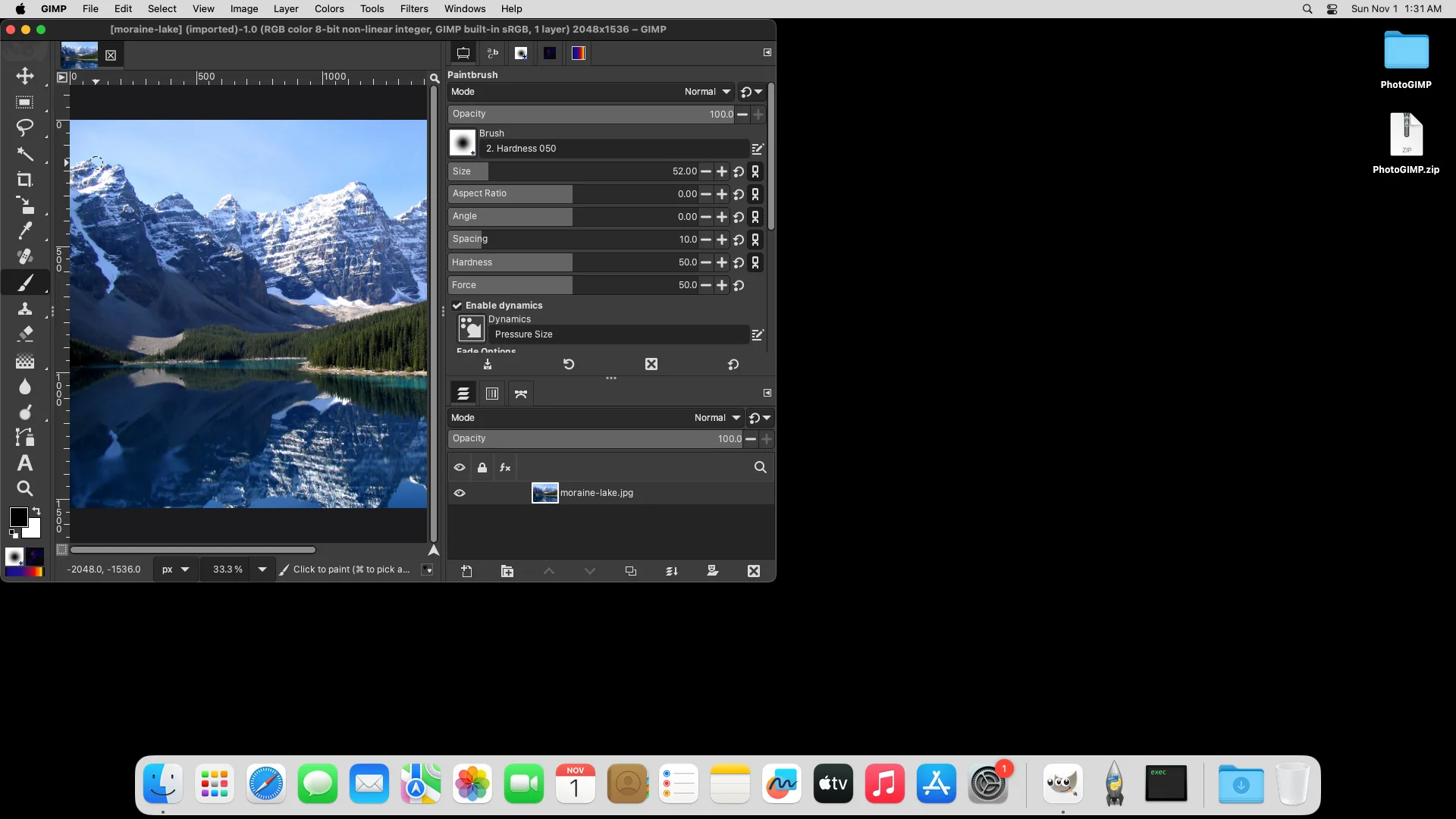
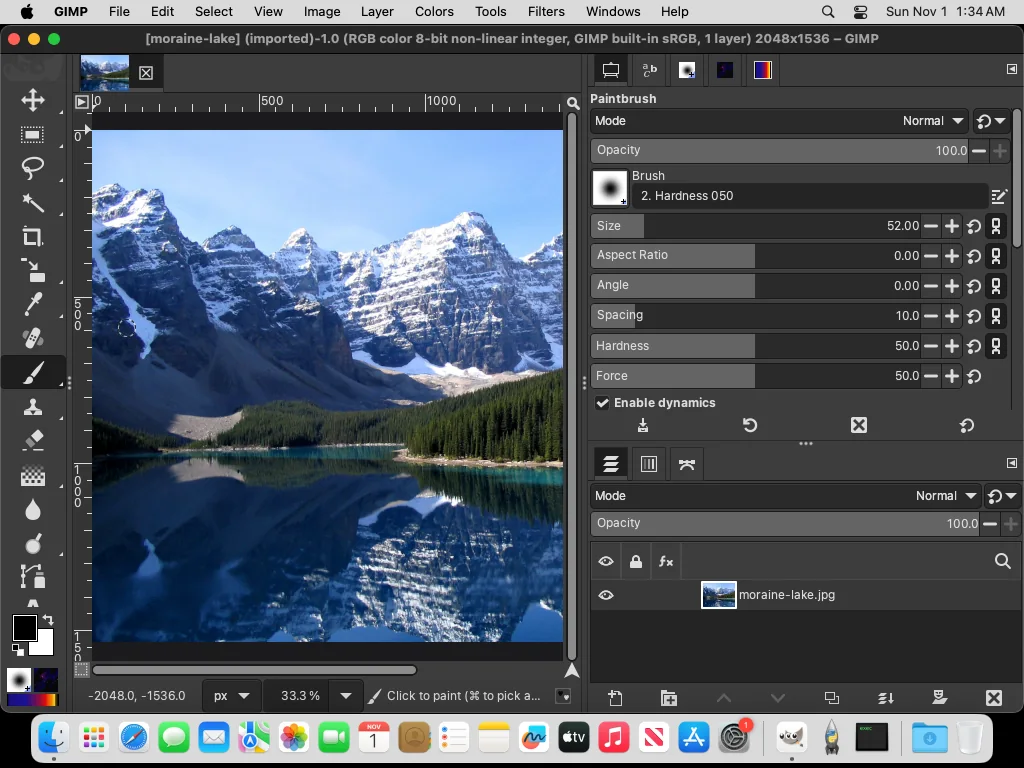
Raw evidence
Facts, run logs and the relevant console lines from each machine, with local paths replaced by ~ or /home/you:
- Linux: facts.json, run log, install.sh output, console: 3.1 on 3.2… (one file per start)
- Windows 11: facts.json, run log
- Windows Server 2025: facts.json, run log, Chocolatey output
- macOS 15: facts.json, run log, rsync output
Second round (migration, pasted commands, Chocolatey on a clean profile, normal quits on the Mac):
- Linux: in the same facts.json (scenarios
migrate,portable,sitescripts), with each pasted command’s output, for example remove PhotoGIMP only and install, run while GIMP was open (refused) - Windows 11: facts.json, run log, Chocolatey output
- Windows Server 2025: facts.json, run log
- macOS 15: facts.json, run log, pasted restore
Third round (other builds, Intel Mac, Server 2022, Finder, plug-ins):
- Flatpak: facts.json, run log, pasted install
- Snap: facts.json, snap info, install while GIMP was open (refused)
- Microsoft Store: facts.json, run log
- GIMP Portable: facts.json, run log, the package’s launcher settings
- Windows Server 2022: facts.json, run log
- Intel Mac: facts.json, run log
- Homebrew and Finder: facts.json, Finder copy
- Keyboard layouts: in the Linux facts.json (scenario
layouts) - Plug-ins: procedures and Heal Selection result, Flathub plug-in list
The test scripts
The scripts that ran these tests, as plain text. The Windows and macOS ones ran on GitHub Actions machines from a temporary repository that we deleted after the tests; the commands they paste are exactly the ones the path finder shows.
- Linux (AppImage, keys, layouts, migration, portable, pasted commands): linux_run.py
- Windows: first round, second round and Server 2022, Microsoft Store and GIMP Portable, with the shared helpers in lib.ps1
- macOS: first round, second round, Intel, Homebrew and Finder
- Flatpak and Snap: linux-extra.sh; plug-ins: plugins-linux.sh and plugin_probe.py
What we did not test
- Windows 10 itself (GitHub no longer offers it; Windows Server 2022 is the same generation) and Windows 11 Home or Pro on x64 desktops (Windows Server shares their Explorer and file layout).
- Distribution packages of GIMP (apt, dnf, pacman). They use
~/.config/GIMPlike the AppImage, Flatpak and Snap builds we ran. - High-DPI scaling and multi-monitor setups, Wayland sessions, and a physical keyboard (our layout test sends key events through X11).
- Steam Deck and Chromebooks.
Have one of these setups and want to help? Tell us what you see: contact.
Keep going
Found something wrong or out of date? Tell us: hello@photogimp.org. We fix mistakes within a day.